
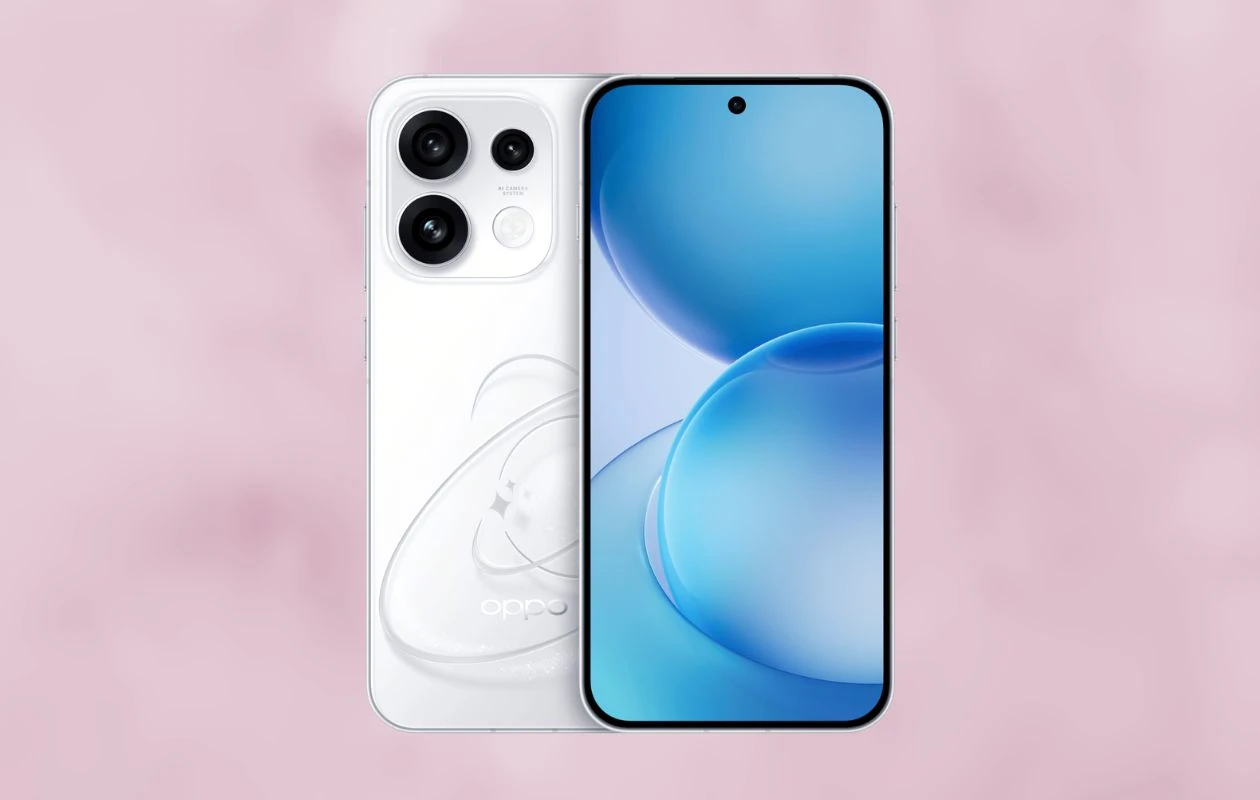
Oppo just gave a mid-year refresh to its Reno phones. Yes, the company has launched the Reno 16 series in its home country. The lineup consists of two new phones – the Reno 16 and the Reno 16 Pro. The centerpiece attraction of the two Reno phones is the triple-camera setup; both phones share the same camera setup with a 200MP primary camera, a 50MP ultra-wide-angle camera, and a 50MP telephoto sensor. Talking about the other specs, the Pro model comes with a Dimensity 9500s chipset, a 1.5K display, a 7,000mAh battery, and more.
Just like every new smartphone, the new Reno 16 phones are paired with a fresh set of built-in wallpapers. As always, the new wallpapers are available to us, and this time in both static and live formats. Here you can download Oppo Reno 16 wallpapers in high quality.
Oppo Reno 16 Wallpapers
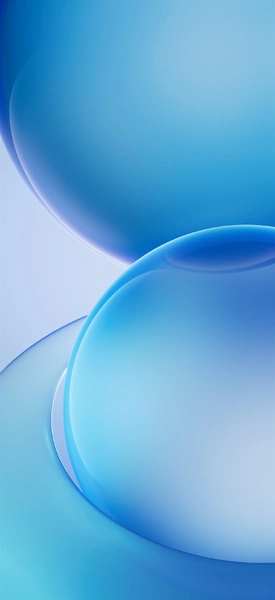
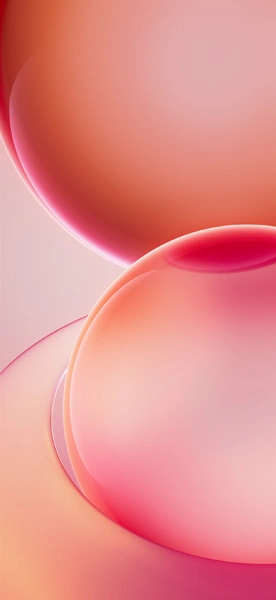
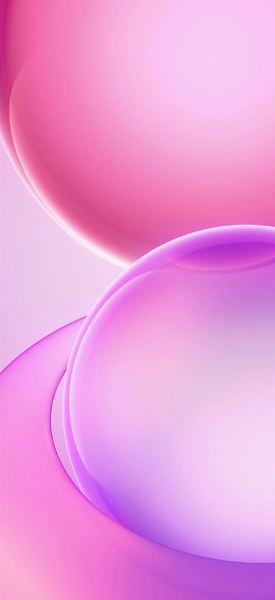
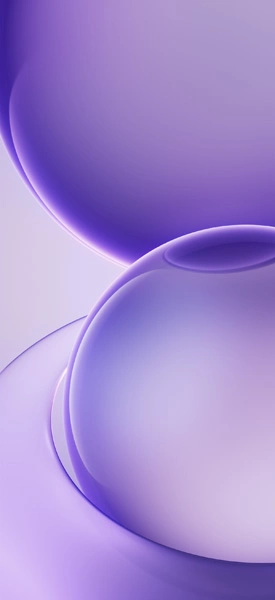
Oppo Reno 16 comes in four stunning shades – Galaxy Purple, Heart-Fluttering Stars, and Moonlit Night Black. Each color variant packs a color-matching wallpaper, and the collection has four new stock wallpapers. Apart from that, you will find the ColorOS 16.1 wallpapers on the Reno 16 series. All these wallpapers are available to us in 1272 X 2772 pixels resolution, so there’s no need to be acquainted about the quality of wallpapers. Take a look at the preview images.
Note: These listed images are the preview of the wallpapers and just for the representation. Preview is not in the original quality so don’t download from images. Use the download link given in the download section below.
Oppo Reno 16 Stock Wallpapers – Preview
Download Oppo Reno 16 Wallpapers
Like the above-listed Oppo Reno 16 wallpapers? You can easily download the wallpapers in high quality from our all-new PhoneWalls app for iPhone and Android. Additionally, you can get these wallpapers from Google Drive.
- Download Oppo Reno 16 Live Wallpapers (Android)
- Download Oppo Reno 16 Wallpapers (Google Drive)
- Download Oppo Reno 16 Wallpapers (Telegram)
After downloading the wallpaper, you can head over to the downloads folder and choose the wallpaper you want to set on your smartphone’s home screen or lock screen. Open it and then tap on the three-dot menu icon to set the wallpaper.
Explore More:
- Download Samsung Galaxy F70e Stock Wallpapers
- Download Poco X8 Pro (Max) Wallpapers [Original Quality]
- Download Motorola Razr Fold Wallpapers
- Download Honor 600 (Pro) Stock Wallpapers
- Google’s Aluminium OS wallpapers leak, download now
- Download Huawei Pura 90 Series Stock Wallpapers
- Download Huawei Pura X Max Stock Wallpapers
- Download OnePlus Ace 6 Ultra Stock Wallpapers
- 15 Mind-Boggling Wallpapers for iPhone and Android – YMWC 50

