
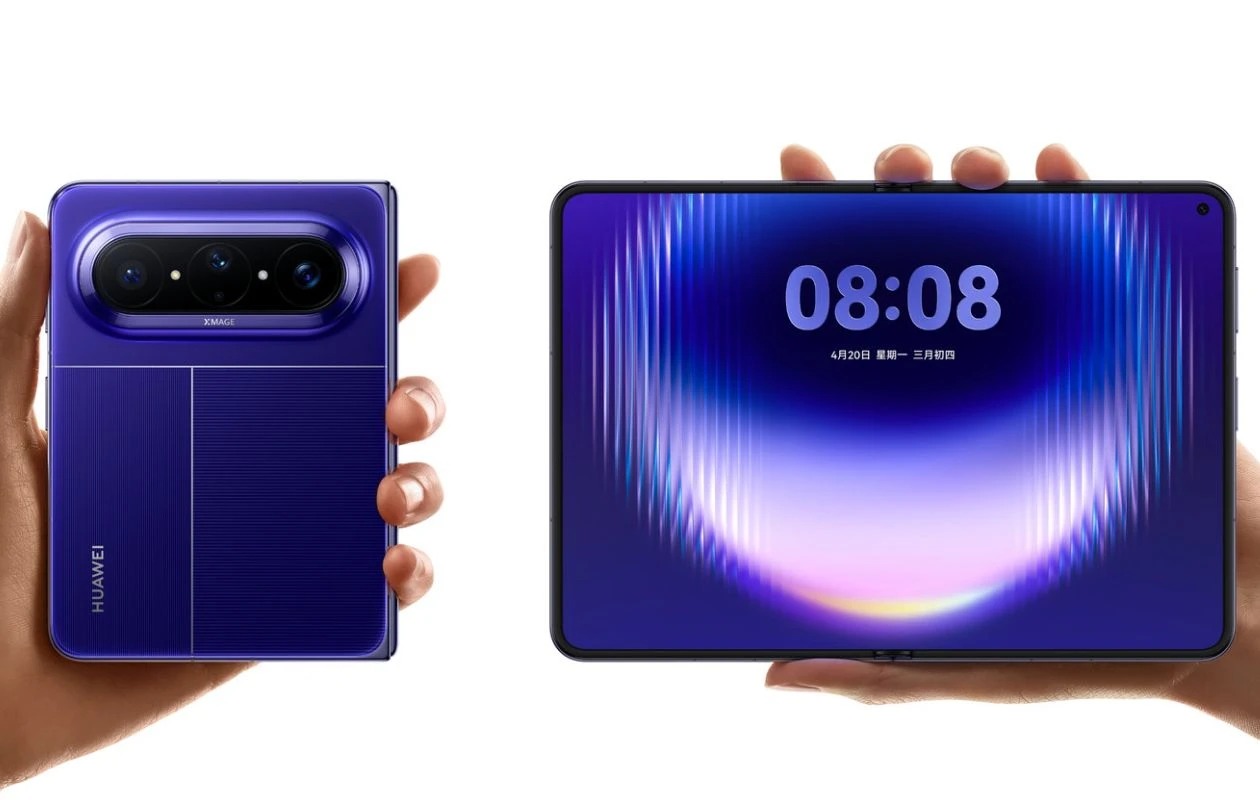
Huawei has once again managed to stay ahead of the curve by launching the wide-fold Huawei Pura X Max before Samsung or Apple could even get there. The new foldable sits between the clamshell flip and the book-style foldable. The centerpiece attraction of the newly joined Pura X Max is a 5.4-inch cover and 7.7-inch internal display with a 14.1:10 aspect ratio, supports up to a 5,300mAh battery, a Stylus, Kirin 9030 Pro chipset, a triple-camera setup, and more.
Just like every Huawei smartphone, the Pura X Max comes with plenty of gorgeous-looking built-in wallpapers. Fortunately, these new wallpapers are available to us in high quality. Here you can download Huawei Pura X Max stock wallpapers in its full-resolution.
Huawei Pura X Max Wallpapers
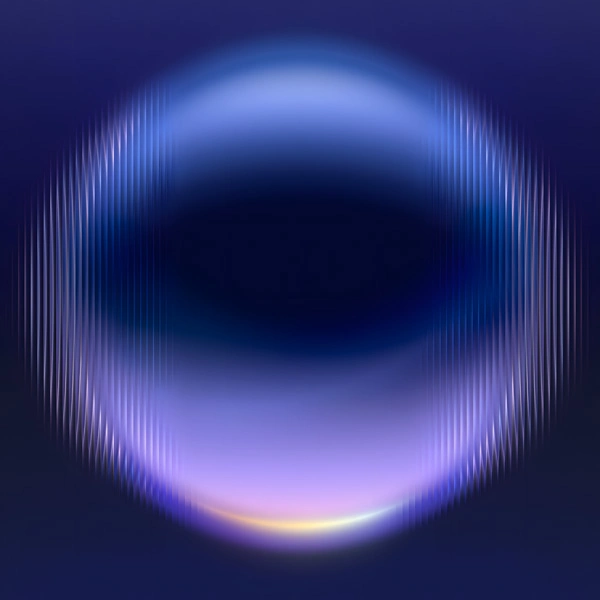
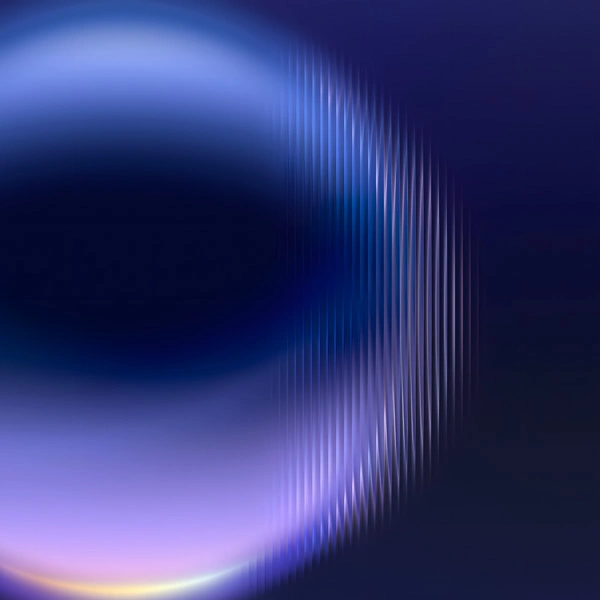
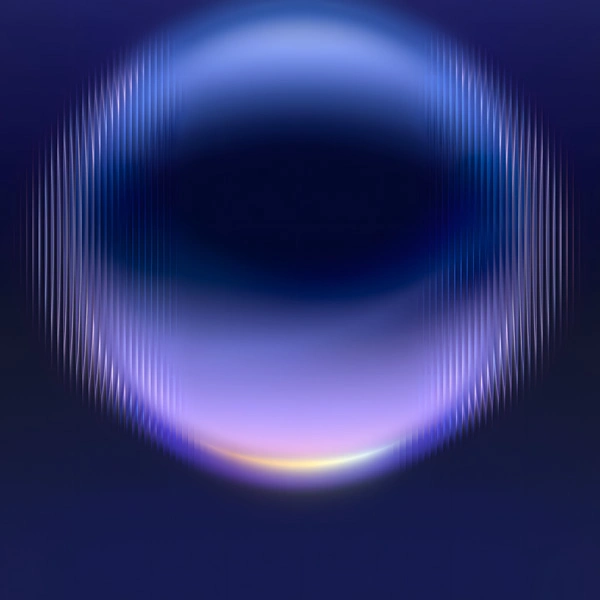
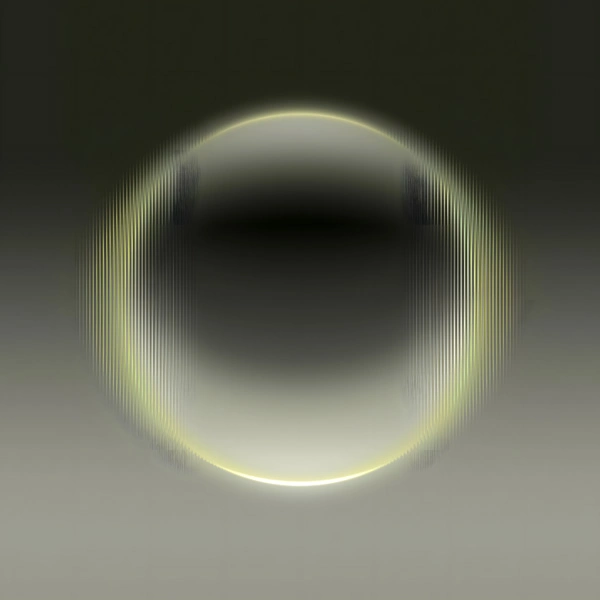
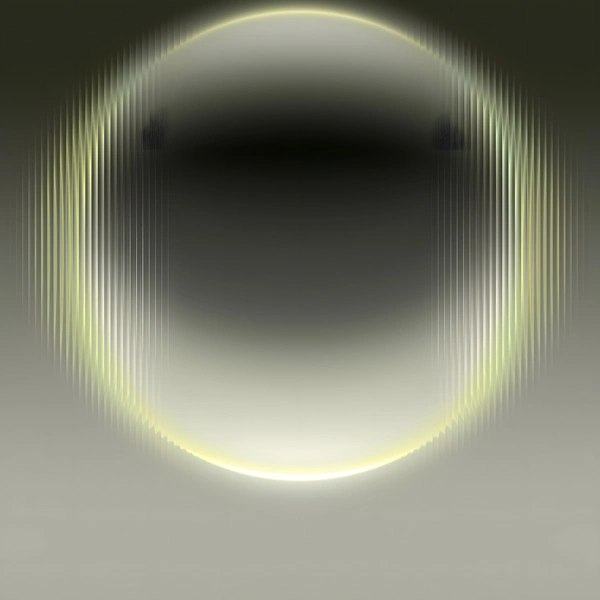
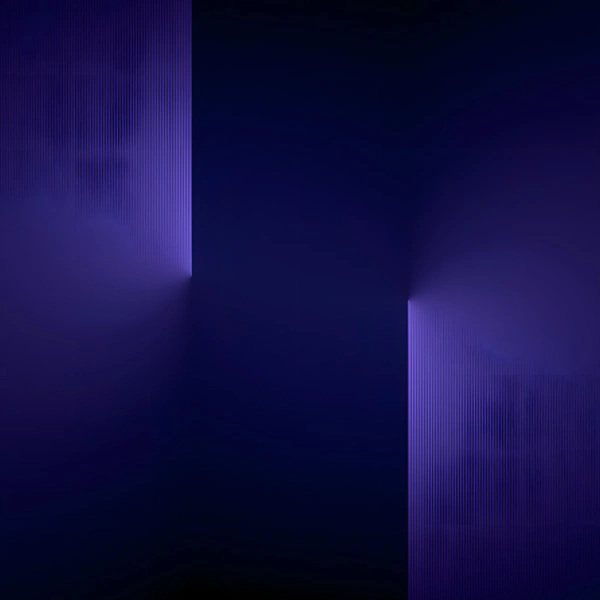
Huawei launches the new Pura X Max in Black, Blue, White, Olive, and Orange colorways. Each variant ships with a custom abstract wallpaper that’s thoughtfully matched to the phone’s overall aesthetic. In total, the phone has 16 new stock wallpapers. All these wallpapers are available to us in 3200 X 3200 pixels resolution, so there’s no need to be acquainted about quality of images. Here are the low-resolution preview images of Huawei Pura X Max.
Note: These listed images are the preview of the wallpapers and just for the representation. Preview is not in the original quality so don’t download from images. Use the download link given in the download section below.
Huawei Pura X Max Stock Wallpapers – Preview









Download Huawei Pura X Max Wallpapers
If you’re searching for the new Huawei Pura X Max wallpapers, you landed in the right place. You can download these wallpapers from Google Drive, our Telegram channel, or from our Android app (PhoneWalls).
- Download Huawei Pura X Max Wallpapers (From Our App – iPhone | Android)
- Download Huawei Pura X Max Wallpapers (Google Drive)
- Download Huawei Pura X Max Wallpapers (Telegram)
Once downloaded, head over to the downloads folder, and choose the wallpaper you want to set on your smartphone’s home screen or lock screen. Open it and then tap on the three-dots menu icon to set the wallpaper. That’s it.
If you have any queries, you can drop the comments in the comment box. Also, share this article with your friends.
Explore More:
- 15 Mind-Boggling Wallpapers for iPhone and Android – YMWC 50
- Download OnePlus Ace 6 Ultra Stock Wallpapers
- Download Xiaomi HyperOS 3.1 Wallpapers in High Quality
- Download Motorola Razr 70 (Ultra) Stock Wallpapers
- Download Redmi K90 Max Stock Wallpapers [2K Resolution]
- Download the Leaked Pixel 11 Pro Fold Wallpapers From Android 17
- Download Oppo Find X9s (Pro) Stock Wallpapers
- Download Oppo Find X9 Ultra Stock Wallpapers

