
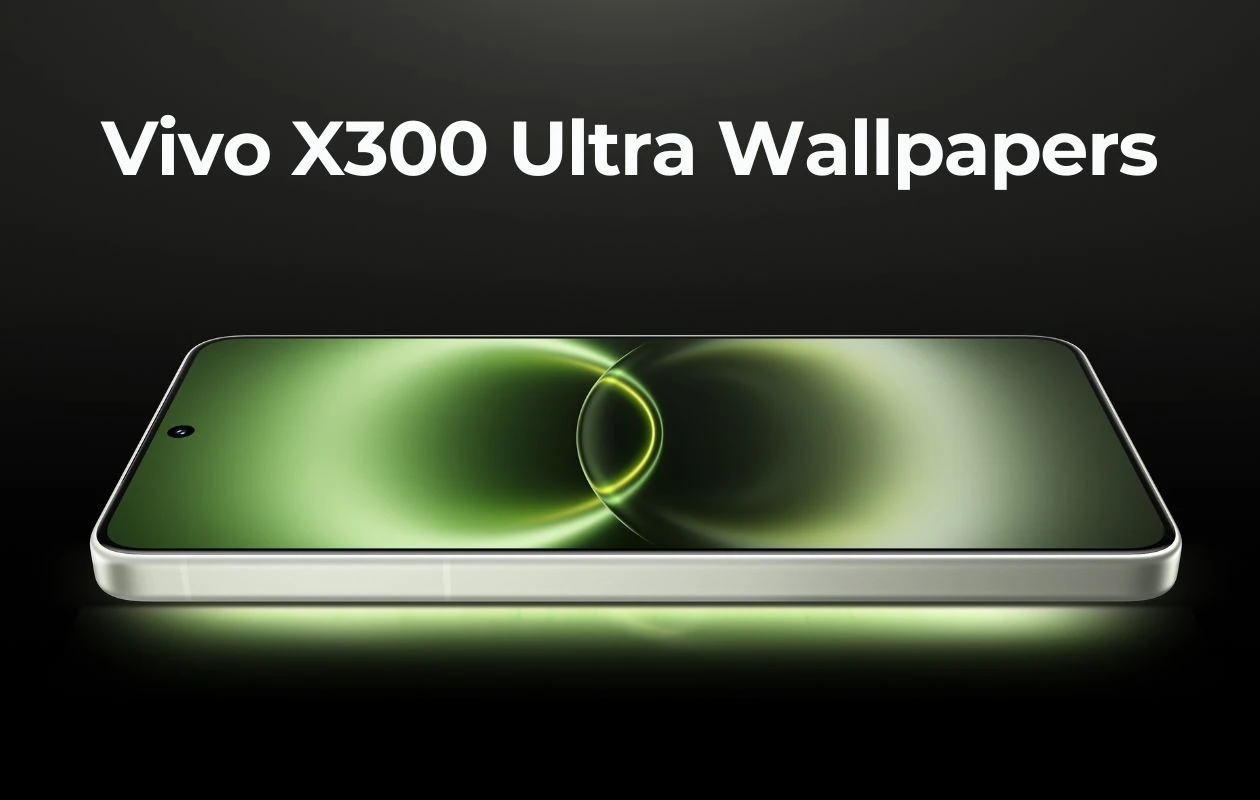
Vivo has finally taken the wraps off its newest flagship smartphone – the Vivo X300 Ultra. The new camera system is the centerpiece attraction of the smartphone, featuring dual 200MP ZEISS cameras paired with a 50MP ultra-wide-angle lens. The phone gets a new main camera, which is a 1/1.12-inch 200MP Sony Lytia 901 imager. Similar to the Vivo X300s, the Ultra comes with an optional photography kit.
Apart from the camera, the Vivo X300 Ultra boasts a 6.82-inch Ultra XDR AMOLED display with variable 1-144Hz refresh rate, Snapdragon 8 Elite Gen 5 SoC, 6,600mAh battery with 100W fast charging, and more. Similar to every flagship smartphone, the Vivo X300 Ultra is paired with a bunch of new abstract wallpapers. Here you can download Vivo X300 Ultra wallpapers in high quality.
Vivo X300 Ultra Wallpapers
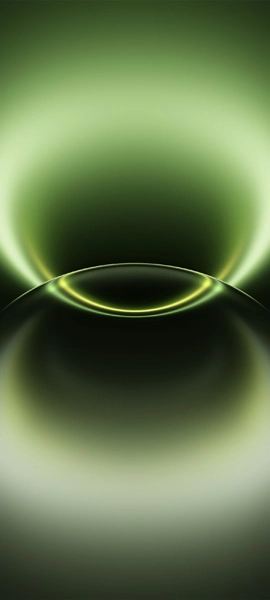
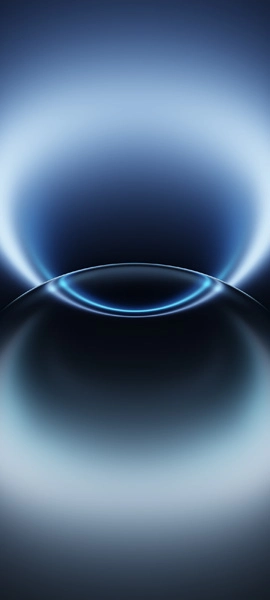
Vivo bundles the new Vivo X300 Ultra with three new stock wallpapers. These abstract wallpapers have darker shades that look superior in the marketing images. The remaining wallpapers are carried over from the OriginOS 6 skin. All these wallpapers are available to us in 1440 X 3200 pixels resolution, so there’s no need to be acquainted with the quality of images. Here are the preview images of the wallpapers.
Note: These listed images are the preview of the wallpapers and just for the representation. Preview is not in the original quality so don’t download from images. Use the download link given in the download section below.
Vivo X300 Ultra Stock Wallpapers – Preview

Download Vivo X300 Ultra Wallpapers
If you’re looking for some new dark colorful wallpapers, you can try out the Vivo X300 Ultra wallpapers on your phone’s home and lock screens. You can get these wallpapers from our wallpaper app – PhoneWalls and Google Drive.
- Download Vivo X300 Ultra Wallpapers (Our Wallpaper App – Android | iOS)
- Download Vivo X300 Ultra Wallpapers (Google Drive)
- Download Vivo X300 Ultra Wallpapers (Telegram)
Once downloaded, head over to the downloads folder, choose the wallpaper you want to set on your smartphone’s home screen or lock screen. Open it and then tap on the three-dots menu icon to set the wallpaper. That’s it.
Related Articles:

