
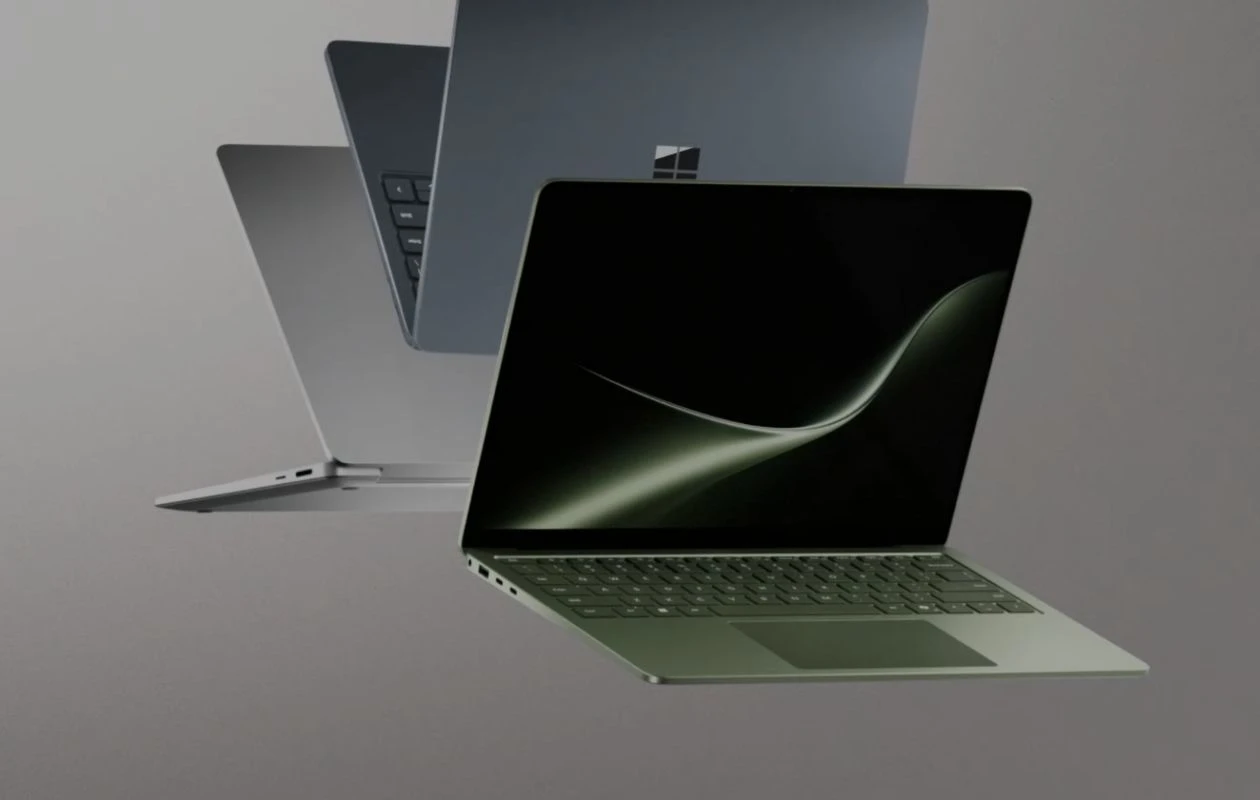
Microsoft launches the Snapdragon X2 chip-powered Surface Laptop 8th Generation, alongside the Surface Pro 12th Generation. Both new notebooks are available for purchase via Microsoft’s online store. The new Surface Laptop comes in 13.8-inch and 15-inch sizes, with color-accurate LCD screens, and has up to 20 hours of battery life.
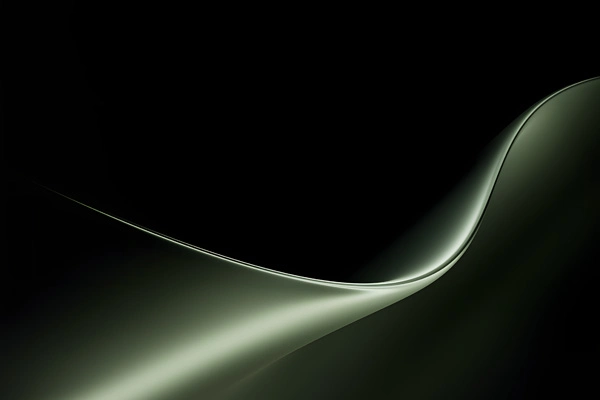
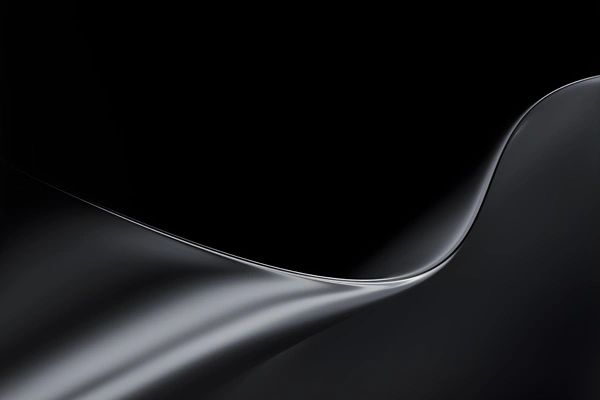
Similar to the recently launched Microsoft Surface Ultra, the newer Surface Laptop 8th-generation features a bunch of new wallpapers. Luckily, these wallpapers are now available to us in high quality. Here you can download the new Microsoft Surface Laptop wallpapers.
Microsoft Surface Laptop (8th Gen) Wallpapers
Microsoft launches the new Surface Laptop in Platinum, Black, Dune, and Jade (limited to the 13.8-inch model) hues. For each color variant, Microsoft has a new marketing wallpaper for the 8th-generation Surface Laptop. Luckily, these new backgrounds are available to us in high resolution (3270 X 2180 pixels resolution), so there’s no need to be worried about the quality of images. Here are the preview images.
Note: Below are the preview images of the wallpapers and just for the representation. Preview is not in the original quality so don’t download from images. Use the download link given in the download section below.
Microsoft Surface Laptop Wallpapers – Preview


Download Microsoft Surface Laptop Wallpapers
You can use the new Microsoft Surface Laptop wallpapers on your desktop, laptop, tablet, and smartphone. You can download the new wallpapers in 4K resolution using Google Drive’s link or from our Android app (PhoneWalls).
- Download Microsoft Surface Laptop Wallpapers (From Our App – iPhone | Android)
- Download Microsoft Surface Laptop Wallpapers (Google Drive)
Once downloaded, head over to the downloads folder, and choose the wallpaper you want to set on your smartphone’s home screen or lock screen. Open it and then tap on the three-dots menu icon to set the wallpaper. That’s it.
Explore More:

