
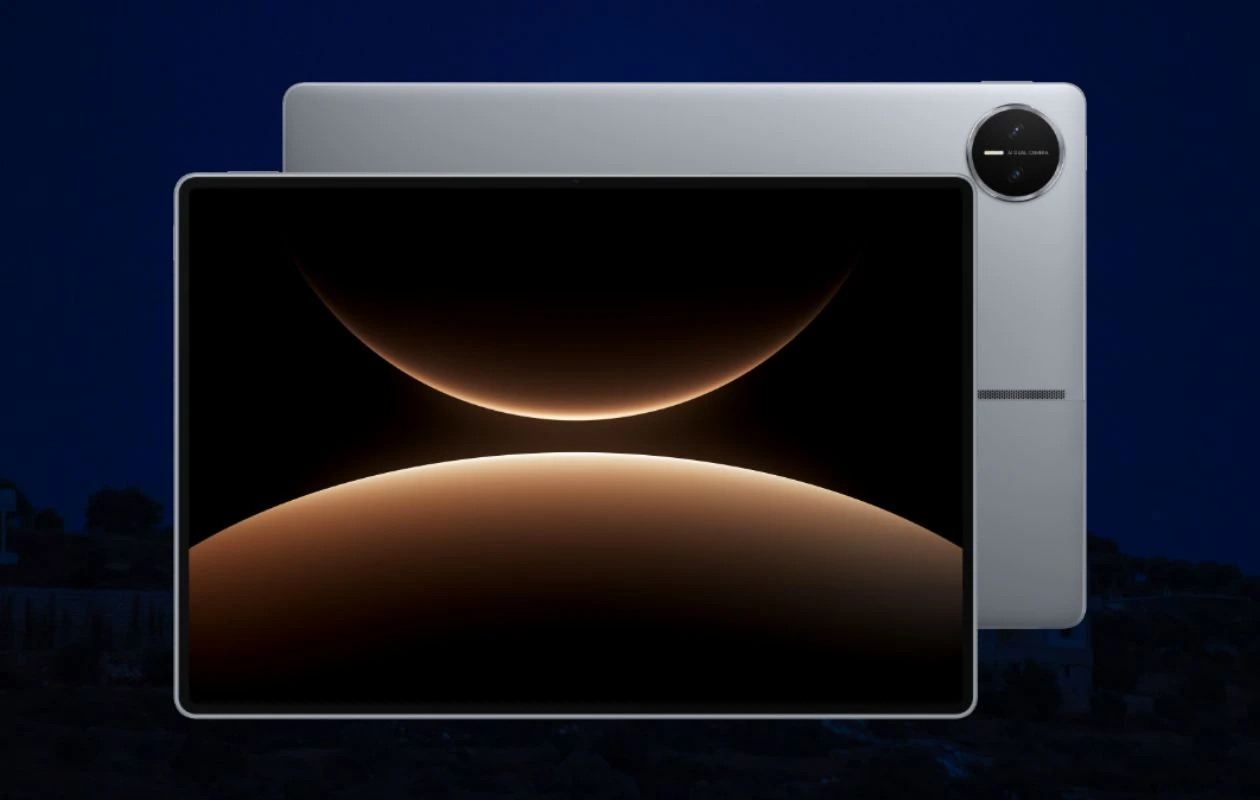
Huawei launched the MatePad Edge alongside the Mate 80 series and Mate X7 foldable. The MatePad Edge is the company’s 2-in-1 tablet with a 14.2-inch OLED screen, Kirin X90(A) chipset, HarmonyOS Next 5 with full desktop apps support, 12,900mAh battery, 50MP camera, and more.
One of the best things about Huawei devices is that they are bundled with some amazing built-in wallpapers, and the new MatePad Edge is no different. If you’re looking for the Huawei MatePad Edge wallpapers, you’ve landed on the right place. Here you can download the new wallpapers in high quality for free.
Huawei MatePad Edge Wallpapers
Huawei pairs the new MatePad Edge with 10 new stock wallpapers. In terms of design, the collection has abstract and planet wallpapers. The marketing image wallpaper shares a similar design to the Mate 80 series wallpapers. If you’re worried about the wallpapers quality, you’ll be glad to know that all these wallpapers are available to us in their original resolution (3200 X 3200 pixels). Here are the preview images.
Note: These listed images are the preview of the wallpapers and just for the representation. Preview is not in the original quality so don’t download from images. Use the download link given in the download section below.
Huawei MatePad Edge Wallpapers – Preview


Download Huawei MatePad Edge Wallpapers
If you like the afore-listed gallery images and want to use the new Huawei MatePad Edge wallpapers on your phone’s home screen or lock screen, you can grab the high quality images for free using below links. You can download all high-quality images from our wallpaper app named – PhoneWalls or Google Drive.
- Download Huawei MatePad Edge Wallpapers (Our Wallpaper App – Android | iOS)
- Download Huawei MatePad Edge Wallpapers (Telegram)
- Download Huawei MatePad Edge Wallpapers (Google Drive)
Once downloaded, head over to the downloads folder, choose the wallpaper you want to set on your smartphone’s home screen or lock screen. Open it and then tap on the three-dots menu icon to set the wallpaper. That’s it.
Explore More:

