
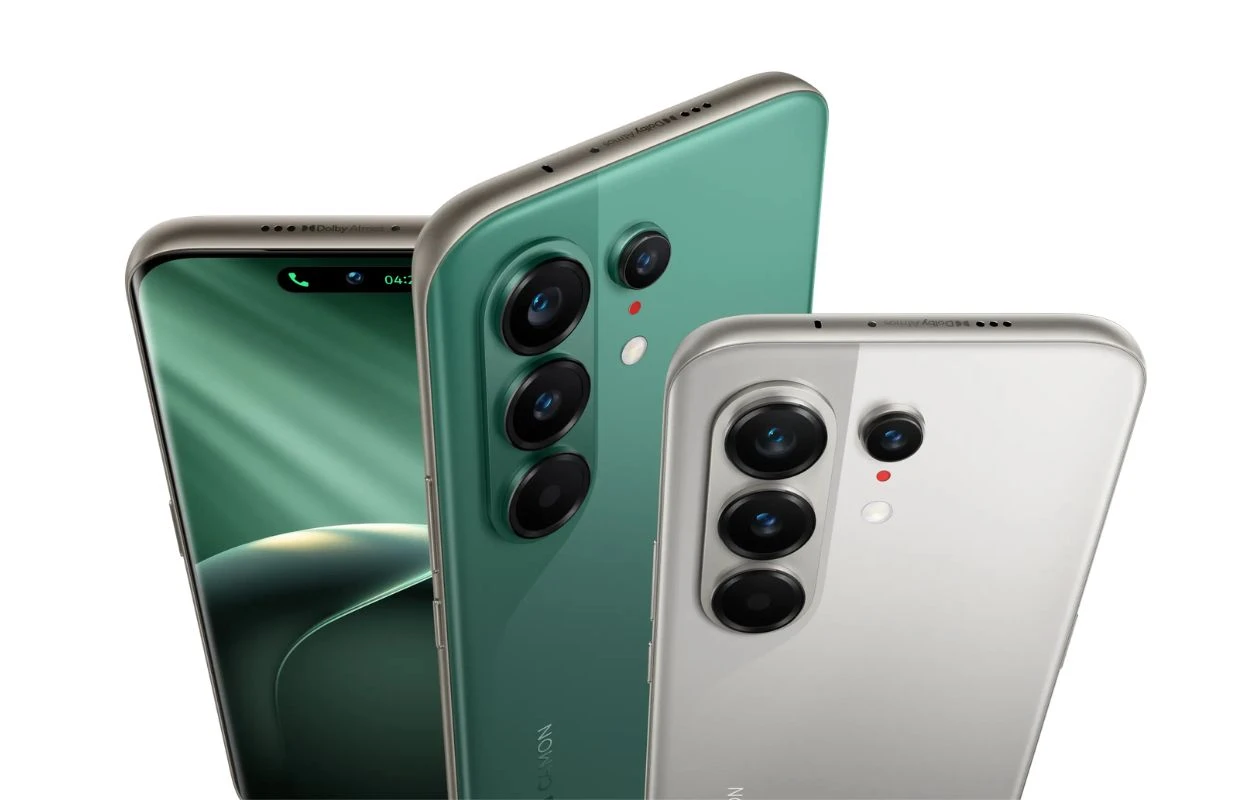
Last month, Tecno introduced the Camon 50 series, expanding its portfolio with four new models – the Camon 50 4G, Camon 50 Pro 4G, Camon 50 Pro, and Camon 50 Ultra. As the name suggests, the Ultra sits at the top of the lineup, packing a Dimensity 7400 Ultra SoC, a 6,500mAh battery, a 1.5K AMOLED display with a 144Hz refresh rate, a triple-lens camera setup, and more.
Just like every new smartphone lineup, the Camon 50 series bundles a bunch of new built-in backgrounds. Fortunately, these new stock wallpapers are now available to us in their original quality. If you’re looking for the Tecno Camon 50 wallpapers, you’ve landed on the right place. Here, you can download the new wallpapers for free.
Tecno Camon 50 Wallpapers
Tecno phones are always paired with some stunning wallpapers, and the newly landed Camon 50 line of phones is no different. The wallpaper collection on the new Camon phones features green, orange, black, purple, and dark brown hues. In terms of design, these wallpapers match the back design of the smartphone. These new wallpapers are available in 1208 X 2644 pixels resolution, so there’s no need to be worried about the quality of images. Now let’s take a look at the low-quality preview images.
Note: These listed images are the preview of the wallpapers and just for the representation. Preview is not in the original quality so don’t download from images. Use the download link given in the download section below.
Tecno Camon 50 Stock Wallpapers – Preview


Download Tecno Camon 50 Ultra Wallpapers
If you like the afore-listed gallery images and want to use these wallpapers on your device, you can download the high quality images from below links. You can get these wallpapers from Google Drive or from our wallpaper app – PhoneWalls.
- Download Tecno Camon 50 Series Wallpapers (Our Wallpaper App – Android | iOS)
- Download Tecno Camon 50 Series Wallpapers (Google Drive)
- Download Tecno Camon 50 Series Wallpapers (Telegram)
Once downloaded, head over to the downloads folder, choose the wallpaper you want to set on your smartphone’s home screen or lock screen. Open it and then tap on the three-dots menu icon to set the wallpaper. That’s it.
Explore More:
- Download Vivo Pad6 Pro Stock Wallpapers
- Download OnePlus Nord 6 Stock Wallpapers
- 14 Cool New Wallpapers for iPhone and Android – YMWC 49
- Download Oppo K15 Pro(+) Stock Wallpapers
- Download Vivo X300 Ultra Stock Wallpapers
- Download Vivo X300s Stock Wallpapers
- Download Nothing Phone 4a Pro Stock Wallpapers
- Download Samsung Galaxy A37 and A57 Wallpapers
- Download OnePlus 15T Stock Wallpapers

