
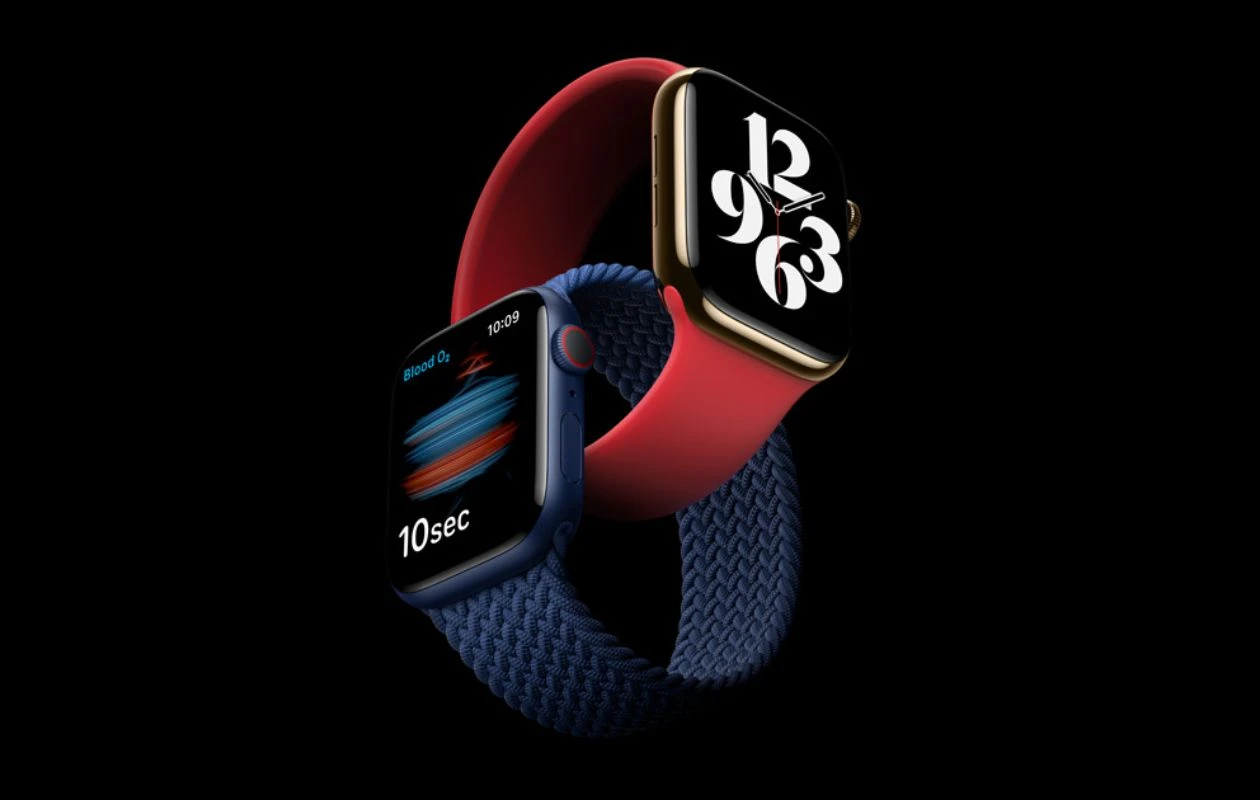
Apple has just released the much-awaited watchOS 26.5 to the public. The update brings a good number of changes to eligible Apple Watch models, with the list including a new Pride Luminance watch face, a fix for messages being incorrectly sent via SMS instead of iMessage, a resolution for audio alerts in the Workout app, and more.
Apple is seeding the stable official version of watchOS 26.5 to compatible Apple Watch models with 23T570 build number. The update carries a download size of 480MB on the Apple Watch Series 7. It is a free upgrade for all Apple Watches compatible with watchOS 26 or newer. You can quickly install it on your watch to get access to the new features.
watchOS 26.5 brings some cosmetic changes to the Apple Watch with the upgrade brings a new Pride Luminance watch face. It is the major addition to the new update, apart from that, the update addresses the annoying Messages issue, where messages are being incorrectly sent via SMS instead of iMessage. Additionally, the update resolves the Workout app’s audio alert bug.
Here’s the complete list of changes coming with watchOS 26.5 release notes.
- This update introduces a new Pride Luminance watch face available to add from the Face gallery, along with enhancements, bug fixes, and security updates for your Apple Watch.
watchOS 26.5 Update
First things first, you need to update your iPhone to iOS 26.5, then you can proceed with installing the watchOS 26.5 update on your Apple Watch. Follow these steps to download the update.
- Open the Watch app on your iPhone.
- Tap on My Watch.
- Then click on General > Software Update > Download and Install.
- Enter the password for confirmation.
- Tap on Agree to the terms and conditions.
- Once done, tap on Install.
- That’s it.
Make sure that your Apple Watch is charged at least 50% and connected to a WiFi network.
Now the watchOS 26.5 update will download and transfer to your Apple Watch.
Explore More:
- Apple seeds second iOS 26.5 RC with final bug fixes
- Apple seeds watchOS 26.5 release candidate for developers
- Google’s Aluminium OS wallpapers leak, download now
- 5 Powerful AI Models You Can Run Locally on Your Phone Right Now
- Download Apple WWDC 2026 Wallpapers
- How to use AirDrop file sharing on Samsung Galaxy devices

