
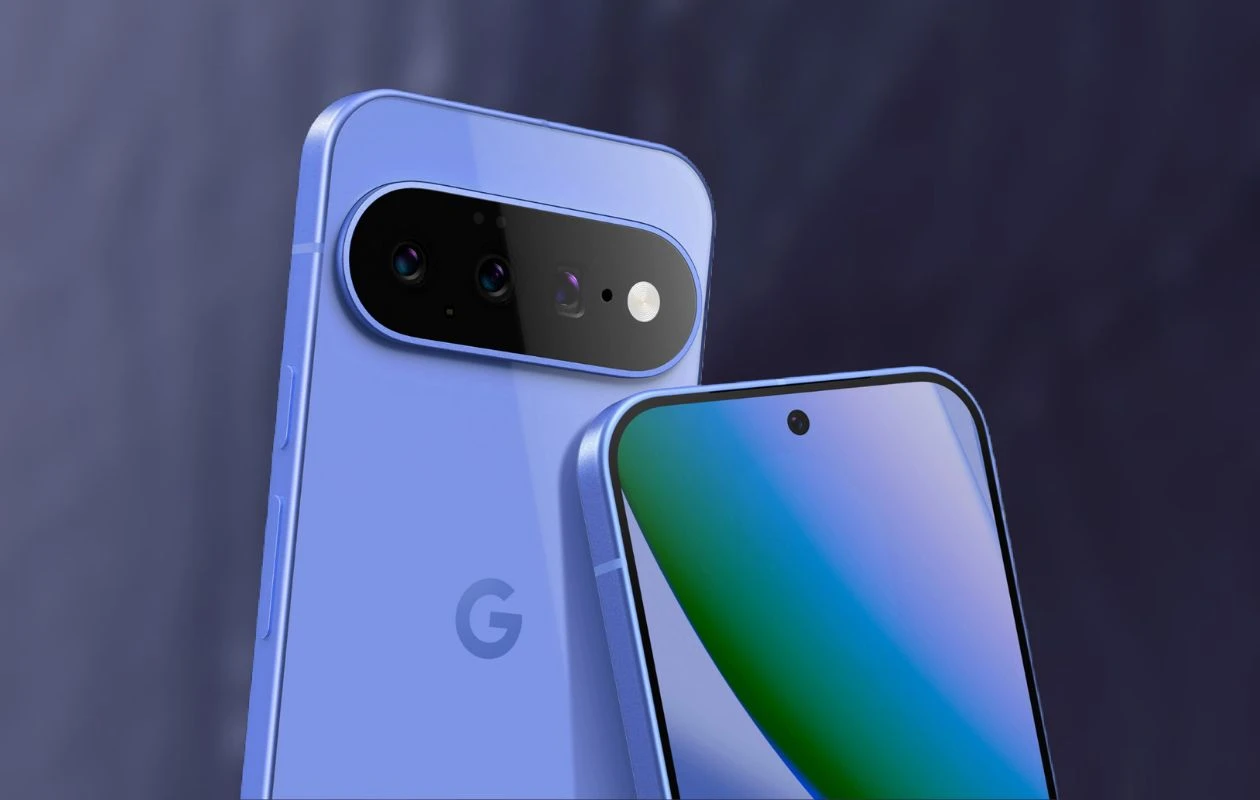
While the official unveiling of the next-generation Pixel series remains several months away, a number of details regarding the upcoming Pixel 11 lineup have already emerged ahead of schedule. The wallpapers for the Pixel 11 series have now surfaced online and are available for download in their original quality.
Continuing with last year’s trend, the Pixel 11 lineup will consist of four models — the Pixel 11, Pixel 11 Pro, Pixel 11 Pro XL, and Pixel 11 Pro Fold. The wallpapers for all four devices are now available for download. Here you can download the Pixel 11 wallpapers for your smartphone in high quality.
Google Pixel 11 Wallpapers (Leaked)
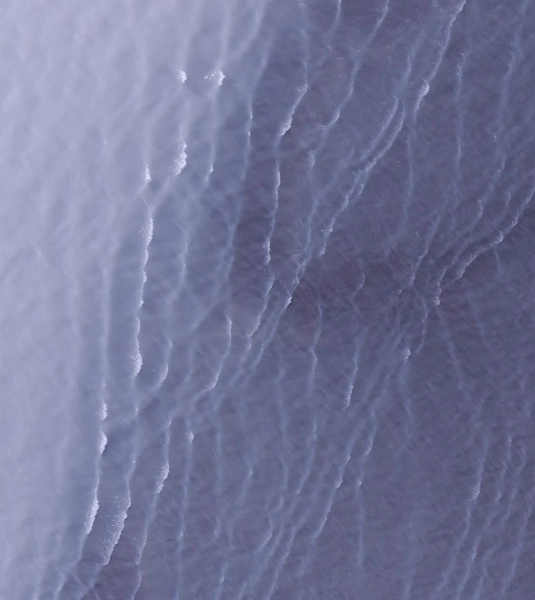
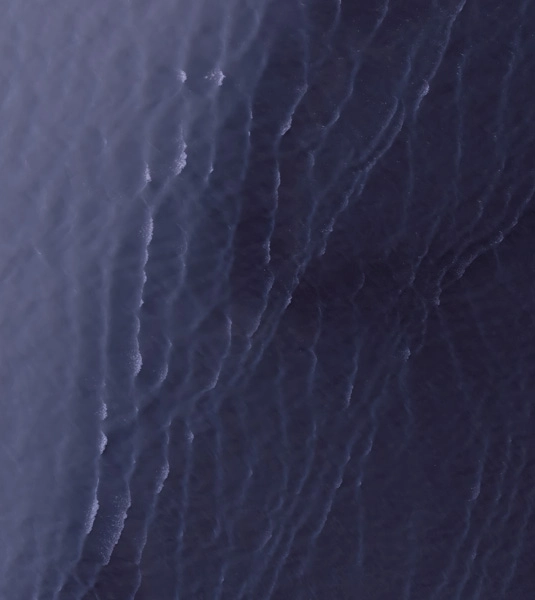
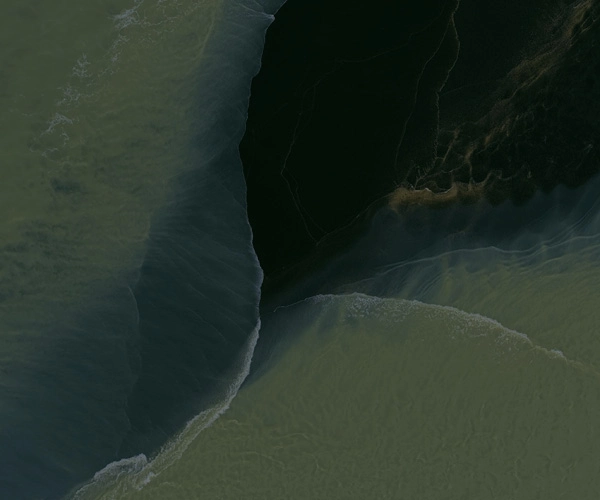
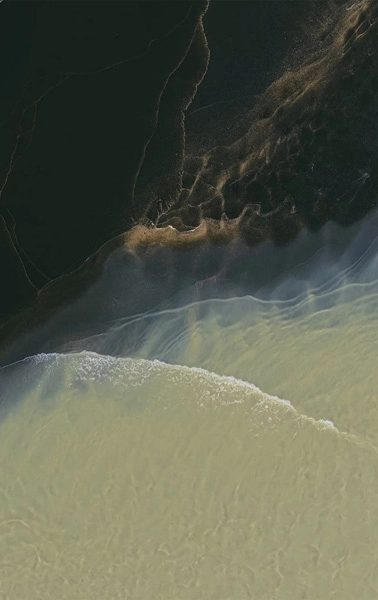
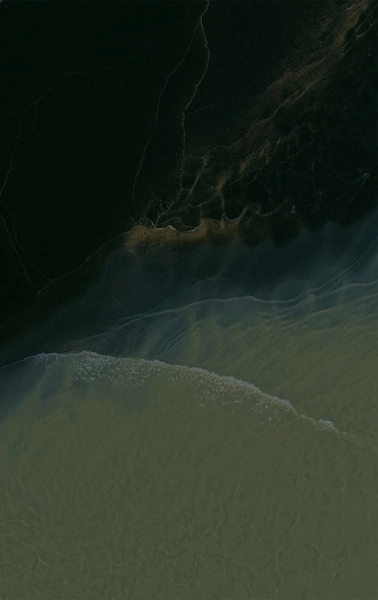
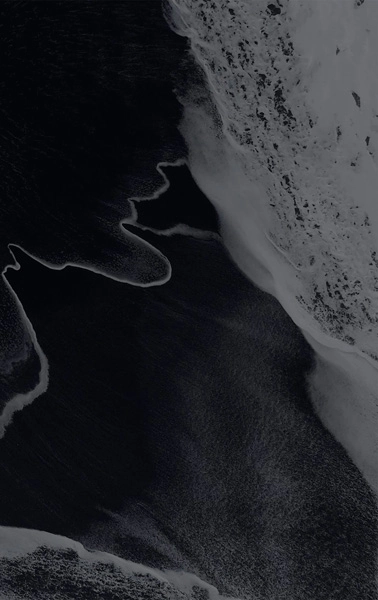
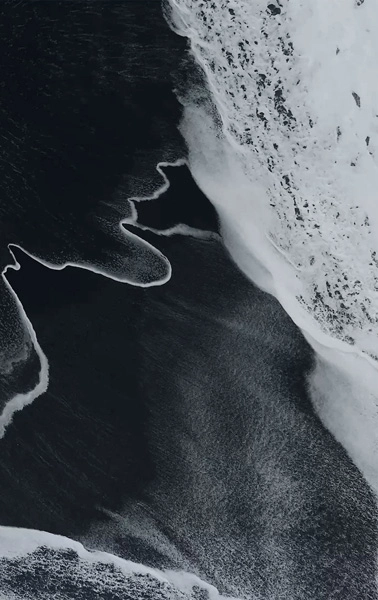
Google Pixel phones have long had a tradition of featuring natural and abstract wallpapers, and based on the leaked Pixel 11 wallpapers, the upcoming lineup appears set to continue that trend. The Pixel 11 will feature four wallpapers (available in dark theme as well), the Pixel 11 Pro and Pro XL also contain four wallpapers, and the Pixel 11 Pro Fold packs two backgrounds. The foldable also bundles live wallpapers. Here are the low-quality preview images.
Note: These listed images are the preview of the wallpapers and just for the representation. Preview is not in the original quality so don’t download from images. Use the download link given in the download section below.
Pixel 11 Wallpapers – Preview
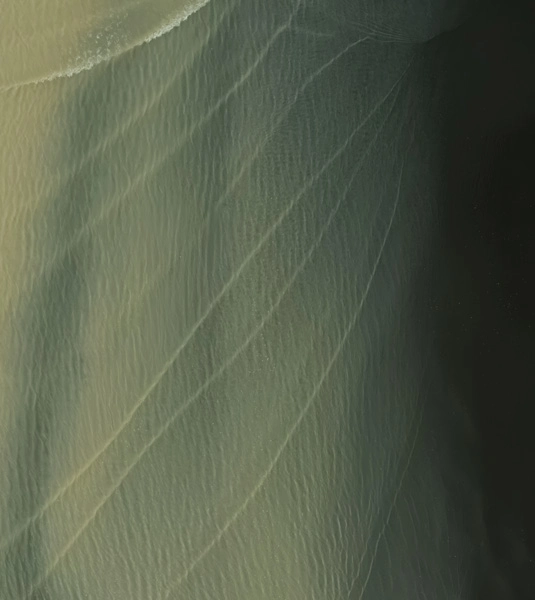
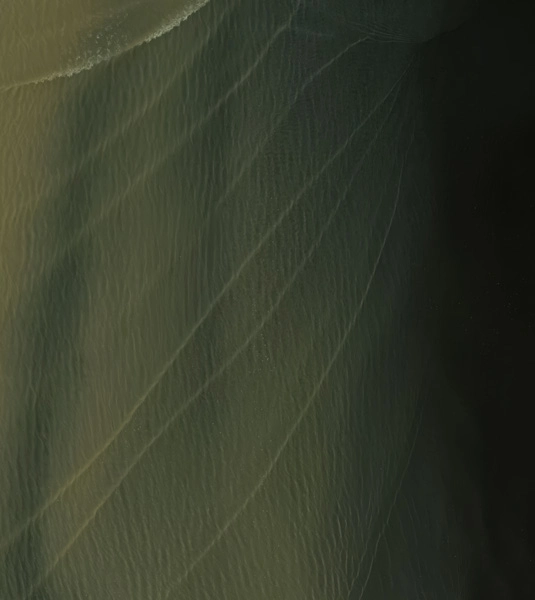
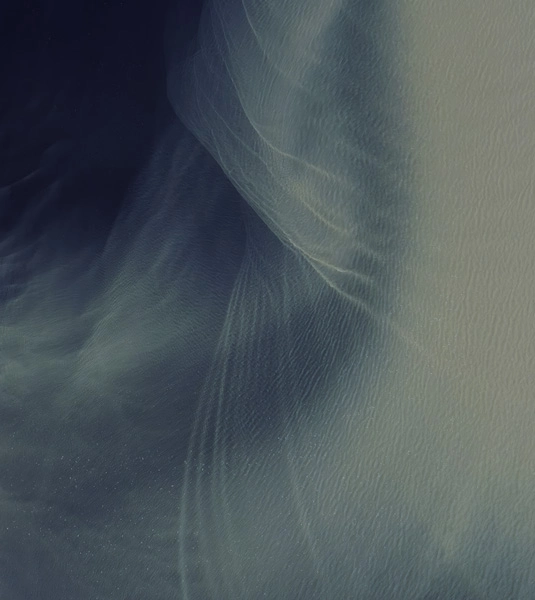

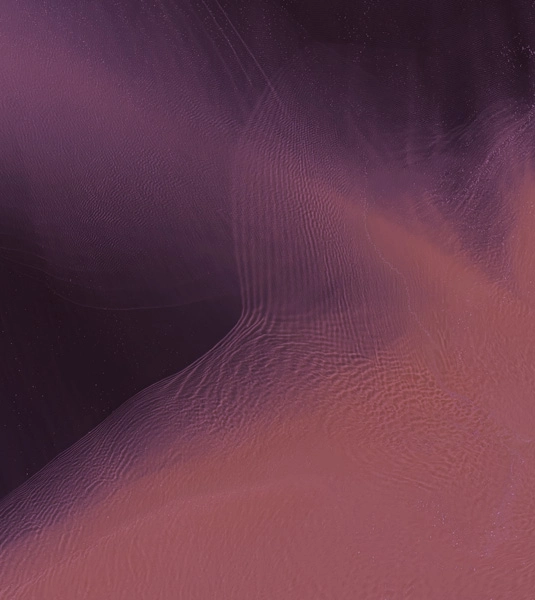
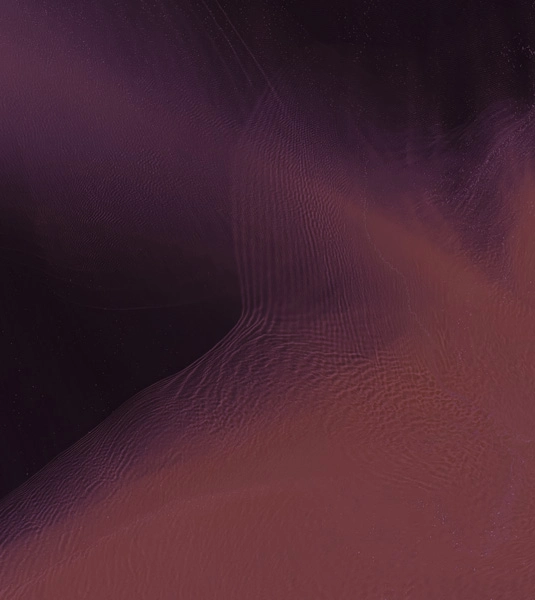
Pixel 11 Pro (XL) Wallpapers – Preview
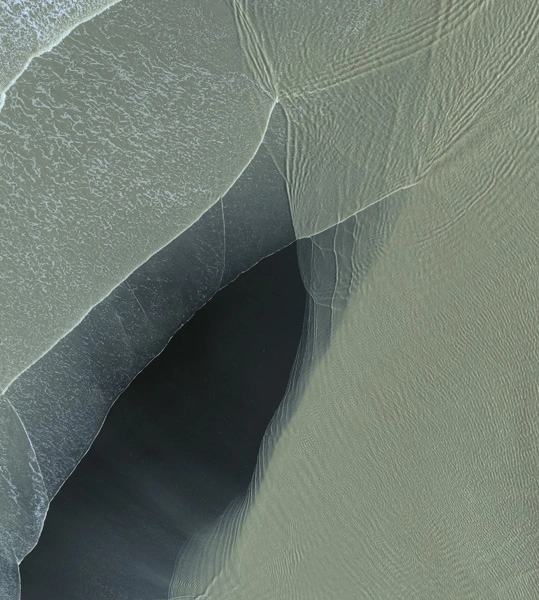


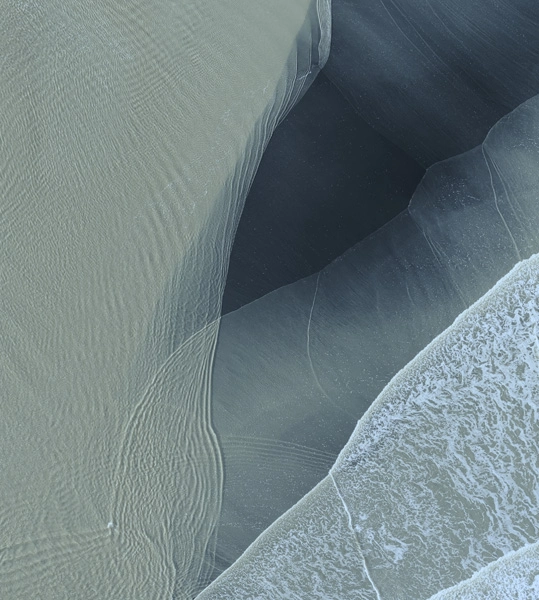


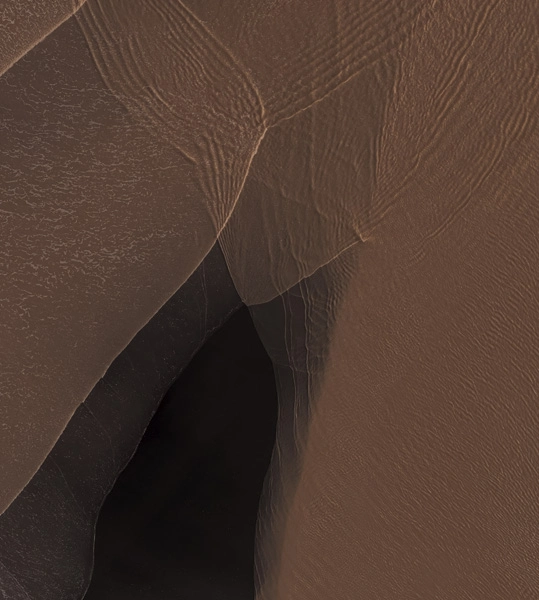
Pixel 11 Pro Fold Wallpapers – Preview
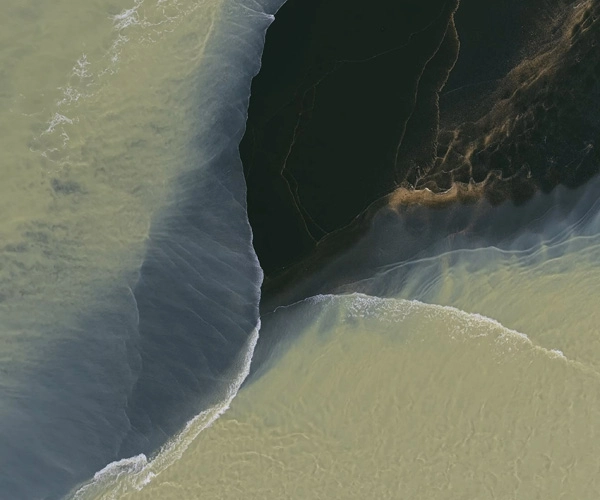


Download Pixel 11 Series Wallpapers
The Pixel 11 wallpaper collection carries a distinct satellite imagery feel, with several wallpapers looking absolutely stunning. If you like the above-listed images, you can download the wallpapers in high quality using below-mentioned download links or from our app – PhoneWalls.
- Download Pixel 11 Live Wallpapers (Android)
- Download Pixel 11 Wallpapers (Google Drive)
- Download Pixel 11 Wallpapers (Telegram)
After downloading the wallpaper, you can head over to the downloads folder and choose the wallpaper you want to set on your smartphone’s home screen or lock screen. Open it and then tap on the three-dot menu icon to set the wallpaper.
Explore More:
- Download Microsoft Surface Ultra Wallpapers in High Quality
- Download official WWDC26 “Glow All Out” Wallpapers
- Download Xiaomi 17T Stock Wallpapers
- Download Oppo Reno 16 Pro Stock Wallpapers
- Download the Official Sony Xperia 1 VIII Wallpapers Right Now
- Download iQOO 15T Stock Wallpapers
Source: Mystic Leaks (Telegram)

