
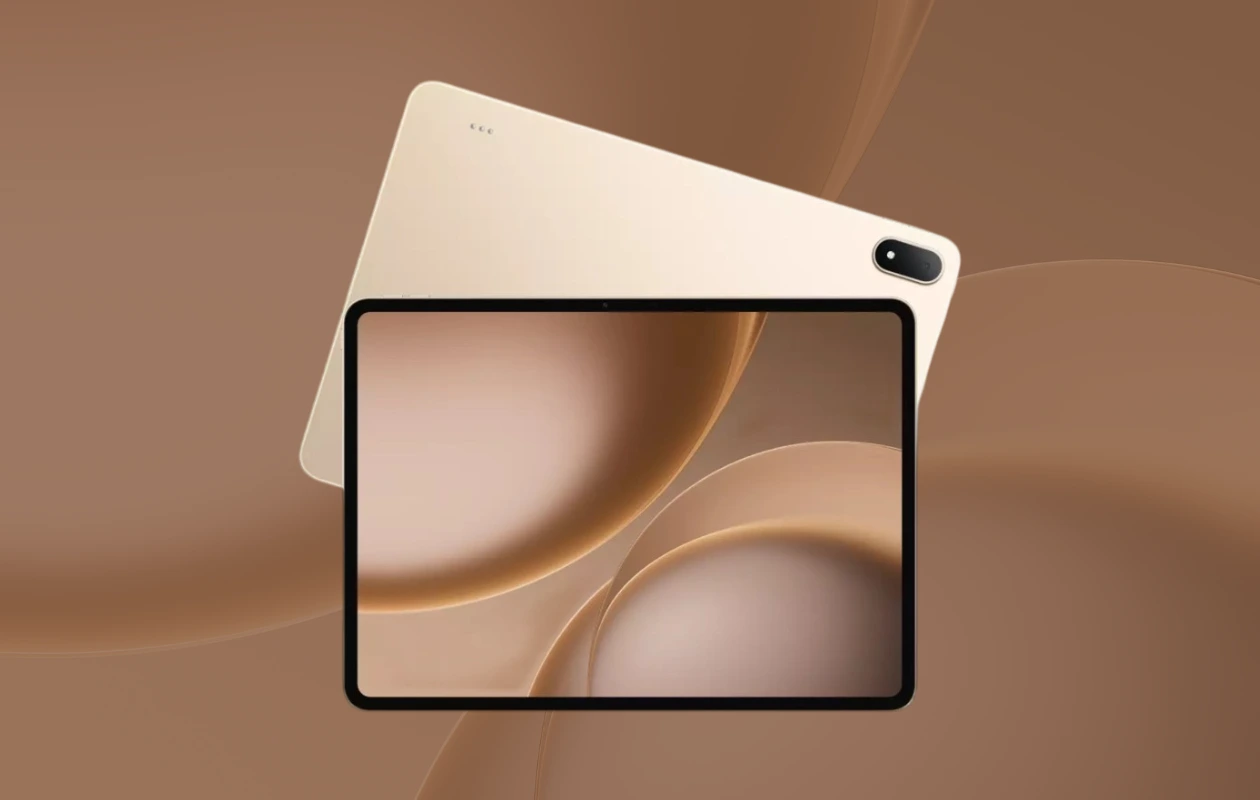
Oppo has recently launched two new tablets: the Oppo Pad 5 Pro and the Pad Mini. The Pad 5 Pro is a premium flagship tablet equipped with top-tier specifications. The latest Oppo Pad 5 Pro also features some new wallpapers inspired by recent Oppo device wallpapers. Here, you can download Oppo Pad 5 Pro wallpapers in their full resolution.
In certain regions, the tablet may be launched as the OnePlus Pad 4, similar to the scenario last year when the Pad 4 Pro was launched as the Pad 3. The Oppo Pad 5 Pro boasts a 13.2-inch display with a resolution of 3392 x 2400 pixels. The display supports an adaptive refresh rate up to 144Hz.
The Oppo Pad 5 Pro is powered by the Snapdragon 8 Elite Gen 5 processor, coupled with 16GB of RAM and 512GB of storage. It also features a big 13,380mAh battery with 67W fast wired charging. Other features include WiFi 7, Bluetooth 5.4, a 13MP rear camera, an 8MP front camera, 1000nits peak brightness. As mentioned earlier, the tablet hosts new wallpapers. Let’s talk about them in detail.
Oppo Pad 5 Pro Wallpapers
The tablet comes with three new stock wallpapers, each matching the device’s color shade. The Oppo Pad 5 Pro features bubble abstract wallpapers that draw inspiration from some other recent Oppo wallpapers. While they may not be exceptional, they are also not particularly bad. You can view the Oppo Pad 5 Pro wallpapers below.
Note:Preview is not in the original quality, use the download link below to get high quality image.


Download Oppo Pad 5 Pro Wallpapers
There are a total of three new Oppo Pad 5 Pro wallpapers, and all of them are available in high quality and high resolution of 3392 x 3392 pixels. If you like its wallpapers, you can download them from the links available below.
- Download Oppo Pad 5 Pro Wallpapers (From Our App – iPhone | Android)
- Download Oppo Pad 5 Pro Wallpapers (Google Drive)
- Download Oppo Pad 5 Pro Wallpapers (Telegram)
Once downloaded, head over to the downloads folder, and choose the wallpaper you want to set on your smartphone’s home screen or lock screen. Open it and then tap on the three-dots menu icon to set the wallpaper. That’s it.
Explore More:

