
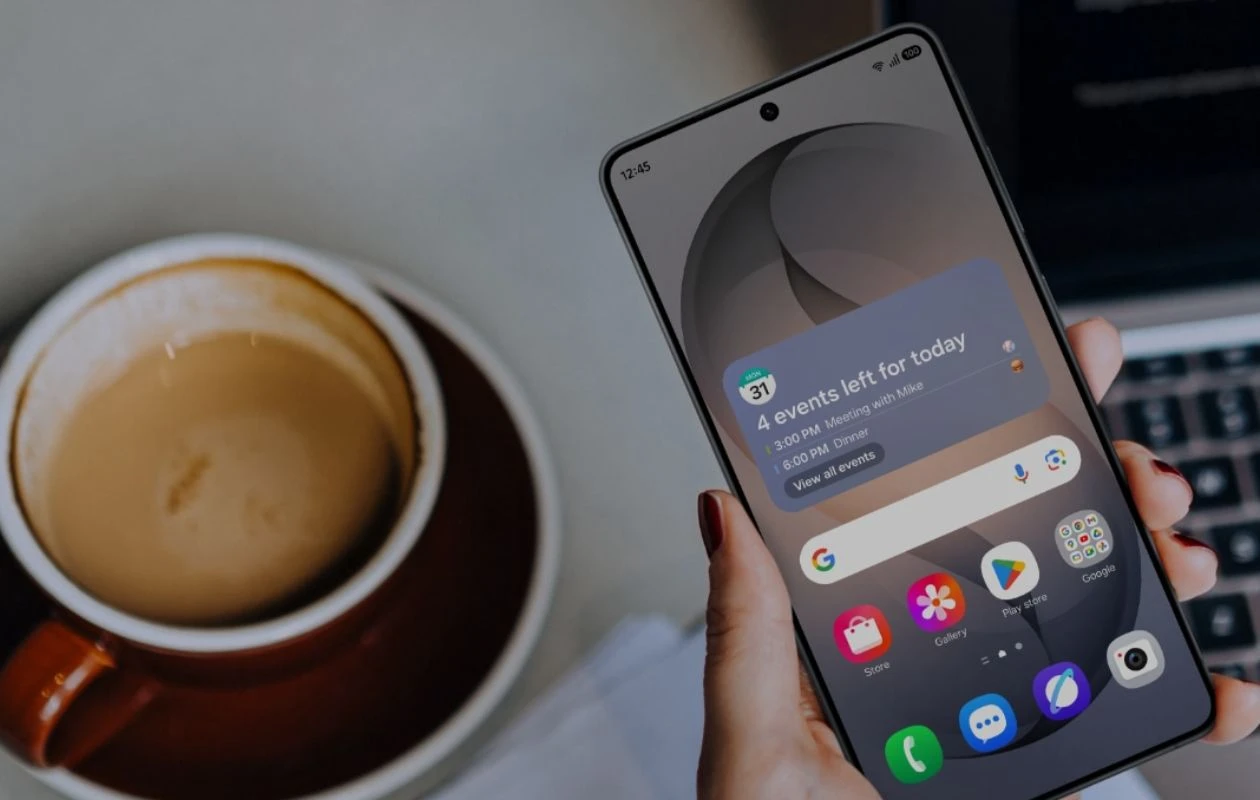
Samsung’s Galaxy S26 series has finally landed, and as you would expect, there’s a lot of cool stuff on the hardware and software side of things. Today, we will be looking at the software side and, in particular, the Galaxy AI suite of tools that have debuted with the Galaxy S26 series.
The AI tools for Galaxy AI debuted first with the Galaxy S24 series back in 2024. Since then, Samsung has been improving its existing AI tools and has been adding new ones as and when needed. This time with the Galaxy S26 series, there are a good number of Galaxy AI tools that Samsung thinks a lot of users will be using.
Wondering what new Galaxy AI tools have been added to the Galaxy S26 series? Let’s find out!
All Galaxy AI Tools That Debuted with the Galaxy S26 Series
7 Galaxy AI tools have been newly added to the Galaxy S26 series, and 3 of the previous AI tools have been improved upon. Let’s first dive into the newly added Galaxy AI tools.
Agentic AI
AI has become the norm for almost everything. Samsung is trying its best to bring the AI experience to all of its users by adding Agentic AI into the One UI experience. Samsung will now let users choose between different AI agents or AI assistants. As of now, users can switch between Google Gemini and Perplexity. With these AI assistants or agents, users can perform various tasks by using voice commands.
You can involve Perplexity by using the keyword Hey Plex, similar to calling Samsung’s in-house assistant, Bixby. Perplexity will have integration with a lot of the Samsung first-party apps. As of now, this is available only on the Galaxy S26 series, and if you do plan to get one, you can try it by pressing the power button and saying “Hey Plex”.
Creative Studio
Taking a leaf from Google’s Pixel Tools and Experiences. With the Creative Studio on the Galaxy S26 series, users can easily create stickers from images or even create new stickers by just using text prompts when you use the Samsung keyboard app. It’s basically the upgraded version of the existing Drawing Assist tool that is seen on the Galaxy S25 series.
Creative Studio also lets you generate new wallpapers and enhance photos with AI, all by just using basic natural language to give instructions to Creative Studio.
AI Image Signal Processor
Thanks to the new ISP powered by AI, you can now take better selfies, which produce natural skin tones, better hair and facial details, and even handle tough lighting conditions. The ISP feature has always been present on Galaxy smartphones since the release of the Galaxy S24 series back in 2024.
So yes, get ready to upgrade your selfie game with the S26 series, regardless of whether your device comes with Snapdragon or the Exynos SoC. Will this feature trickle down to other Galaxy S smartphones that have Galaxy AI support? Only time will tell.
Now Nudge
Now Nudge is an AI feature that can be used with the Samsung Keyboard app. This feature will provide you with suggestions based on the context in the app that you are using. You can consider Now Nudge like the prediction feature from the keyboard, but way smarter. The suggestions are more dynamic as it reads the text on your screen and then provide you with these suggestions.
Apart from this, Now Nudge can also help you with other types of tasks. For example, if someone asks you to send a few images that you recently took, Now Nudge will suggest a few images from the Gallery that you can send instantly.

It can also act like an assistant by checking your calendar to see if any new meetings that will be added are not clashing with your existing calendar appointments.
Not all users will be happy with this feature, and the good part about this is that you can turn this feature off if you don’t want to use it, or you can simply switch to any other keyboard of your choice.
Photo Assist
New to the Galaxy S26 series is Photo Assist. Instead of just playing with the settings or options that are provided to you, you can now use text-based prompts to create or edit an image. That gives users even finer control over how or what element of the photo needs to be edited.
You can get a better understanding of how this works by checking out this video from Samsung’s official YouTube channel. Photo Assist also lets you apply various filters to your image that you can use to make your photo stand out.
Call Screening
Tired of spam and scam calls? Now, with Samsung’s Call Screening feature built into Call Assist, your phone will answer the call on your behalf and ask the caller why they are calling you. You will get to see the complete text transcription on your screen in real time. Now, if you want, you can interrupt this screening and answer the call right away. This feature is live with the Galaxy S26 series but will also drop over to the other Galaxy devices in the One UI 8.5 update.
Notification Highlights
One UI 8.5 will now make your notifications even smarter. Galaxy AI will now prioritize your notifications and provide you with summaries depending on the type of notifications. Urgent and important notifications will always be displayed on top, while the non-important or long notification threads will be summarized by making use of Notification history.
The best part about this feature is that all this processing takes place on your device itself. No data is being sent to or stored on the cloud. Notification Highlights will make use of the notification history from the past 24 hours to create the summaries for you. Just like the other AI tools, you can choose to turn this feature off if you don’t want it.
Improved Galaxy AI Tools
There are three exciting Galaxy AI tools that Samsung has worked on and will be available to all other devices via the One UI 8.5 update. Let’s take a look at what they are.
Improved Audio Eraser
The AI Audio Eraser, when it was first released, was able to edit and remove audio from video files that are stored on your device. Now, Samsung has upgraded the Audio Eraser in a way that it can remove background noise from almost any video that you want, including video content from streaming services like Netflix, YouTube, and numerous video platforms and apps.
You can easily toggle the Audio Eraser feature from the Quick Panel whenever you are streaming video from any platform or app.
Bixby Gets Even Smarter
With One UI 8.5, Bixby can now have conversations with the user and also understand natural language as instructions. Simply use your voice to navigate through your phone, adjust settings, or do anything else that you want it to do. It also has real-time search results by using the internet. Just like how you would ask Google Assistant or Google Gemini to search the internet, Bixby can now do that by following commands in natural language.
Updated Now Brief
Now Brief was first introduced during the launch of the Galaxy S25 series back in 2025. Now Brief is a good way to stay updated with various topics such as music, YouTube, health, weather, traffic updates, the news, and even your Samsung routines.
With One UI 8.5, the Now Brief is more aware and will provide you with information as and when you need it. This makes the Now brief feature more useful rather than just being a simple assistant that gives you updates at the start or the end of the day.
Other Galaxy AI Tools
All other tools, right from the launch of the Galaxy S24 series in 2024, will also be present on the Galaxy S26 series. Here is a list of the tools as a quick recap
- Browsing Assist
- Call Assist
- Health Assist
- Interpreter
- Note Assist
- Now Brief
- Photo Ambient Wallpaper
- Transcript Assist
- Writing Assist
Closing Thoughts
This concludes everything you need to know about the new Galaxy AI tools that are present in the Galaxy S26 series. Are any of these new Galaxy AI tools interesting to you? Which of these AI tools do you want to use on your existing Galaxy smartphone? Share your thoughts in the comments below.
Explore More:

