
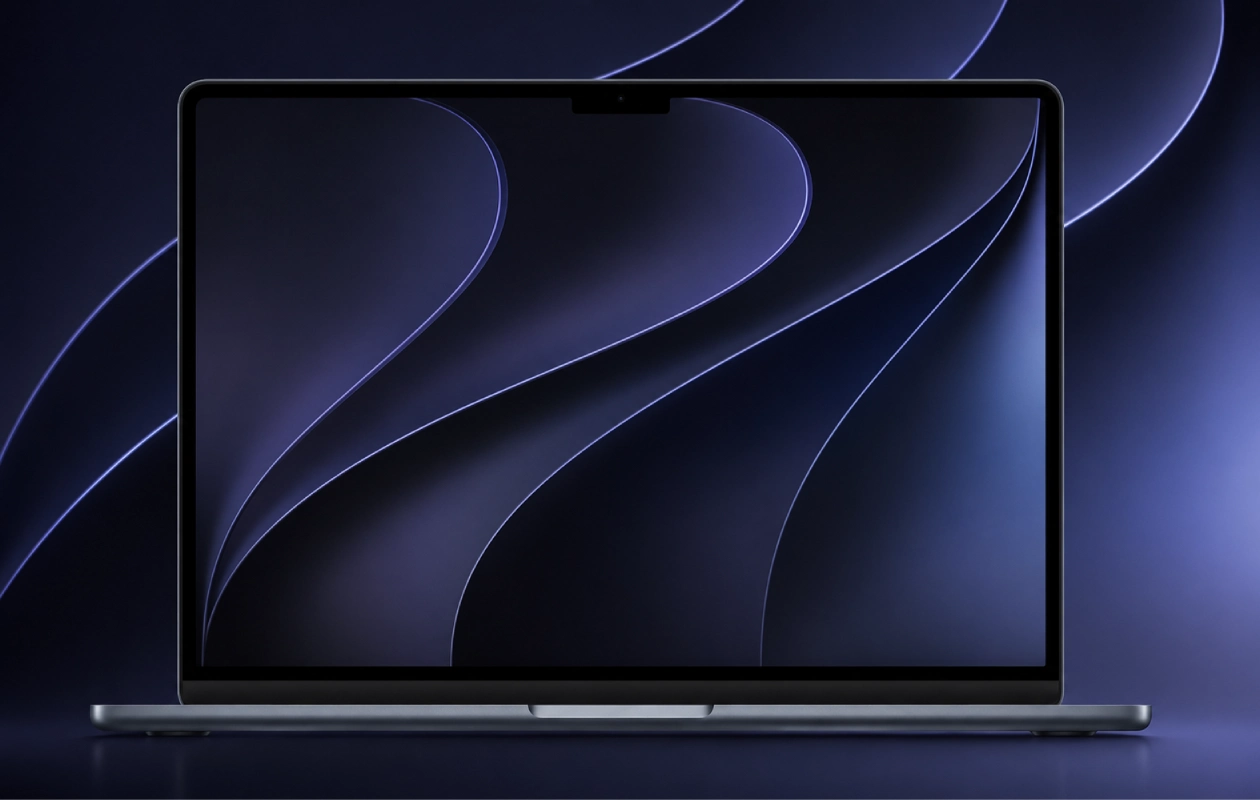
Apple has officially announced macOS 27 Golden Gate, the next major version of macOS, during its WWDC keynote alongside iOS 27, iPadOS 27, watchOS 27, and other software updates. As with every major OS release, Apple has also introduced a new set of wallpapers, and here you can download the official macOS 27 Golden Gate wallpapers in their original quality.
If you missed iOS 27 wallpapers and iPadOS 27 wallpapers, we’ve already shared them in different articles, which you can also download and try on your devices. macOS 27 brings several improvements and new features. It brings new Siri AI, expanded Apple Intelligence, refined design, improved performance, new and expanded Child Safety features, and so much more.
We’ll cover all of the new features and changes in detail in a separate article, so be sure to check that out as well. For now, let’s take a look at the new wallpapers included with Apple’s next macOS release.
macOS 27 Wallpapers
All three major OS releases, macOS 27, iOS 27, and iPadOS 27, share the same design wallpapers, varying only in aspect ratio and resolution. The macOS 27 Wallpapers feature an abstract background with multiple large curved layers. The same design is available in both light and dark modes. So, in total, there are two macOS 27 Wallpapers. You can preview them below before downloading.
Note: Below are the preview images of the wallpapers and just for the representation. Preview is not in the original quality so don’t download from images. Use the download link given in the download section below.


Download macOS 27 Wallpapers
The light wallpaper features gold and blue hues, while the dark version resembles midnight blue. If you like both wallpapers, you’ll be pleased to know that both macOS 27 wallpapers are available in over 4K resolution. So you don’t have to worry about the quality of these wallpapers. To download these wallpapers for your device, you can follow the links available below.
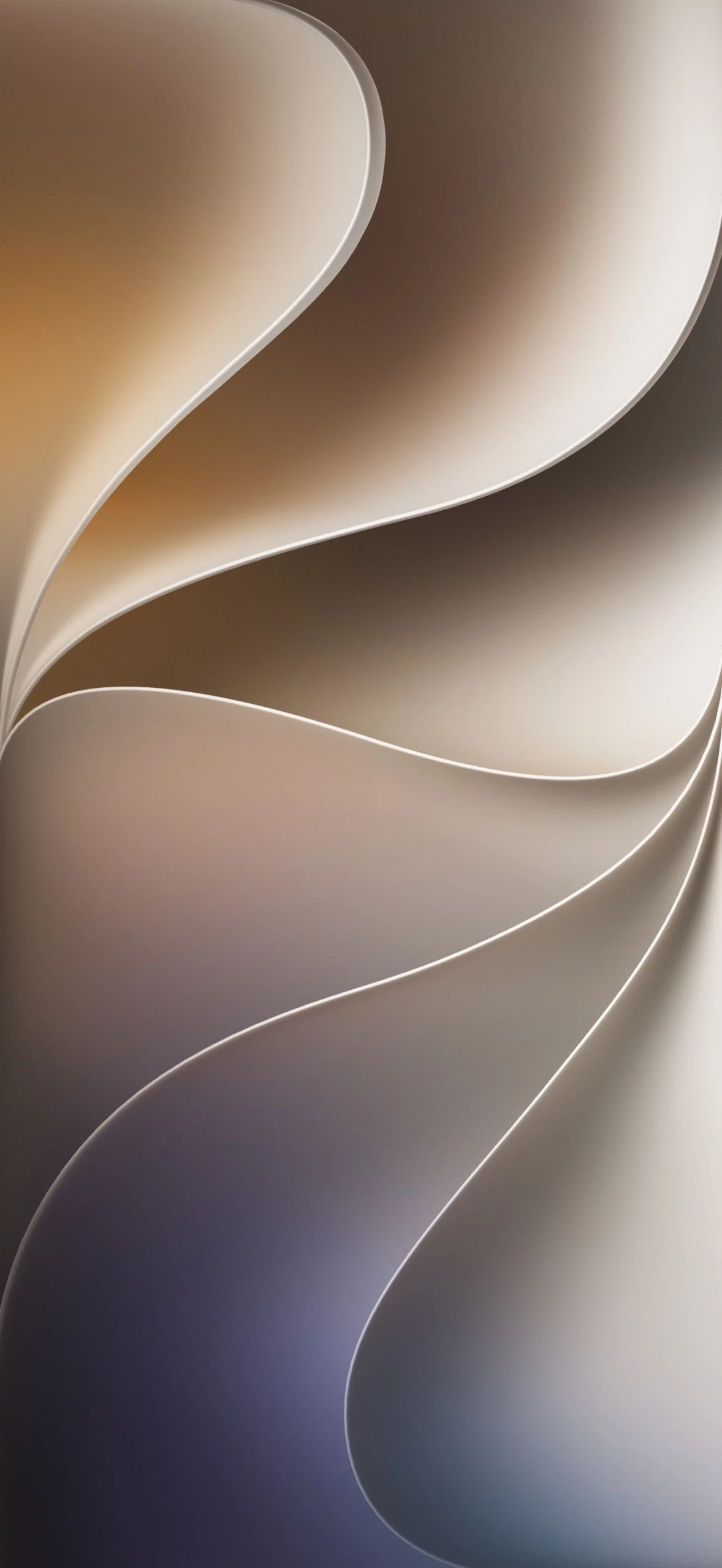
Once downloaded, simply open the wallpaper and save to photos, and then apply it on your home screen or lock screen from the Photos app. That’s it.
If you have any queries, you can drop the comments in the comment box. Also, share this article with your friends.
Explore More:
- Download official WWDC26 “Glow All Out” Wallpapers
- 18 Must-Have Wallpapers for iPhone and Android – YMWC 51
- Download Pixel 11 Series Wallpapers (Leaked)
- Download Microsoft Surface Ultra Wallpapers
- Download Xiaomi 17T Stock Wallpapers
- Download Oppo Reno 16 Pro Stock Wallpapers
- Download the Official Sony Xperia 1 VIII Wallpapers Right Now
- Download Motorola Razr Fold Wallpapers

