
Smart TVs have a decent set of features that make them smart. Now, Google is gearing up to make all smart TVs that run on Google TV OS even smarter, thanks to a plethora of new features.
The new features that are added to Google TV will help you make use of new ways to create, search, and stream on your Google-powered smart TV. Google is finally bringing AI tools to the big screen in your home.
New Features with Google Photos
One of the biggest features that Google has brought to Google TV is the addition of AI to Google Photos and Google TV. With AI enabled within Google Photos, users can now create their own images thanks to the inclusion of Google’s Nano Banana. You can also add fun stuff to your existing photos from Google Photos.

Apart from creating photos with Nano Banana, you can now create fun videos right on your big screen. Simply use your voice to give prompts to Nano Banana, and it will generate the video that you want.

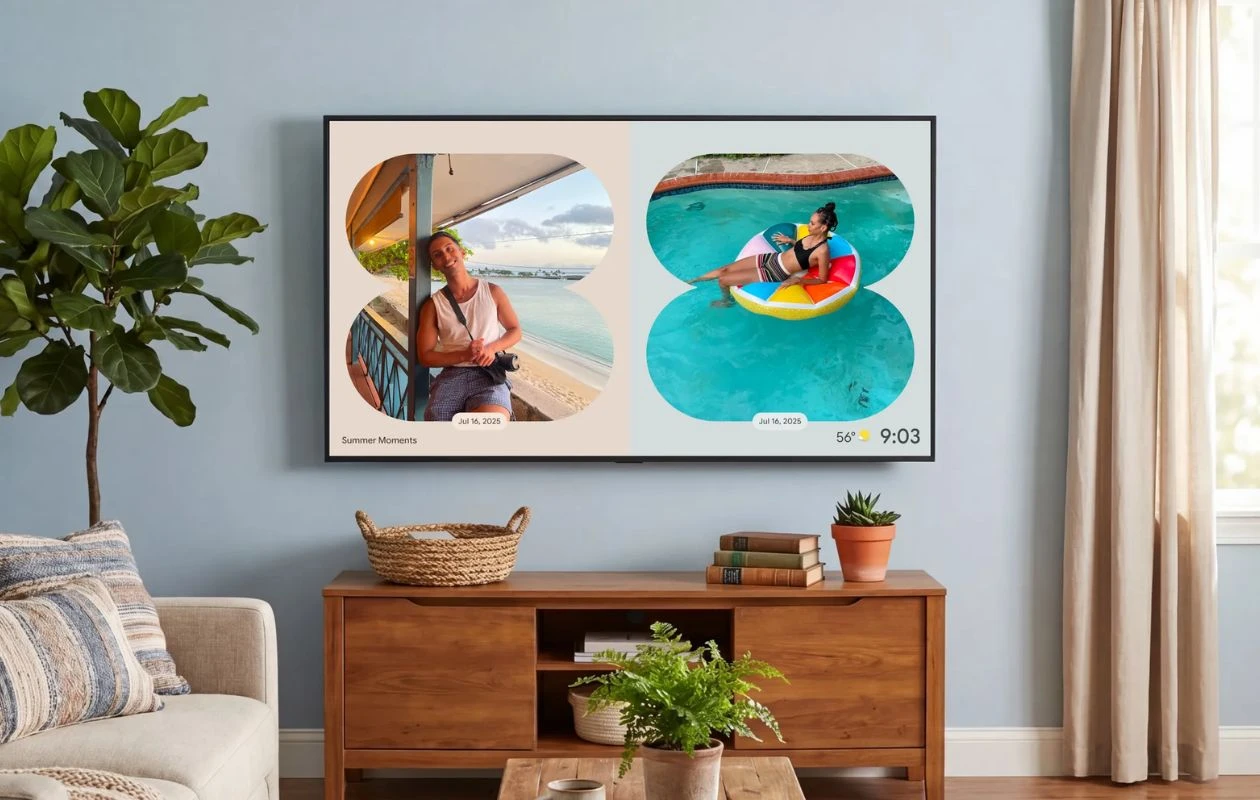
With the help of Gemini, you can now search through the various photos from your Google Photos library and display them on the screen. There’s also the new Remix feature that lets you add different filters and artistic styles to your photos. And finally, there’s the option to create a slideshow of your favorite photos from your Google Photos library on your Google TV.
Short-form content on your Large Screen
Google has noticed that Instagram has brought its dedicated app to Google TV so that users can scroll through the unlimited reels that the platform offers.

Well, Google has taken this as an opportunity and has finally decided to bring YouTube Shorts to your TV. Google will serve these YouTube Shorts to the user by adding a dedicated Short Videos for You tab on the TV’s home screen.
Are these new features something that you would like to use on your smart TV, or do you prefer to use such tools only on your PC or smartphones and tablets? Share your thoughts in the comments below.
Explore More:
- How to Program Google TV Streamer Remote with Chromecast
- How to Watch Same Content on Two LG Smart TVs Using Room-to-Room Share Feature
- How to Turn Off Motion Smoothing on Roku TV
- Samsung TV Plus Channels (Free) – The Complete List
- Google TV Channels (Streaming Services) – The Complete List [Continuously Updating]
- Samsung Smart TV Owners Can Claim 90 Days of Free AMC+

