
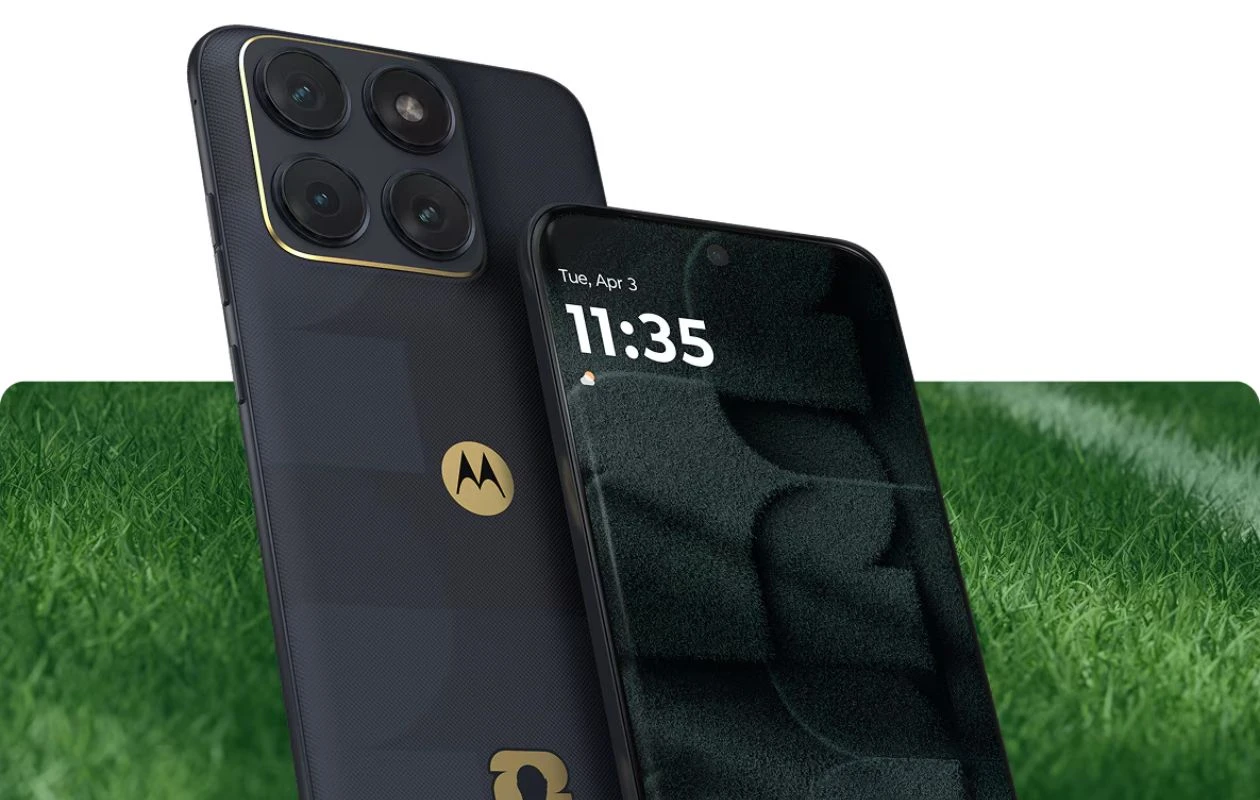
Motorola has recently launched the Edge 70 Fusion and Edge 70 Fusion Plus. The latest mid-tier Edge series phone is billing with a slimmer form factor, a quad-curved AMOLED display, 144Hz refresh rate support, Snapdragon 7s Gen 4 SoC, and a 50MP camera trio on the Plus variant.
As with every new smartphone, the Edge 70 Fusion duo is paired with a bunch of colorful abstract wallpapers, and you’ll be glad to know that the new wallpapers are now available to us. Here you can download Motorola Edge 70 Fusion wallpapers in high quality.
Motorola Edge 70 Fusion Wallpapers
Motorola launches the new Edge 70 Fusion in Pantone Blue Surf, Orient Blue, Country Air, Silhouette, and Sporting Green colorways. You can find color-matching wallpaper available on both the standard Edge 70 Fusion and Plus variant. Not only this, we got access to the FIFA World Cup 26™ edition wallpaper. All these wallpapers are available in their original quality, 2544 X 2772 pixels resolution, so there’s no need to be worried about the quality of images. Here are the preview images.
Note: These listed images are the preview of the wallpapers and just for the representation. Preview is not in the original quality so don’t download from images. Use the download link given in the download section below.
Motorola Edge 70 Fusion Stock Wallpapers – Preview


Motorola Edge 70 Fusion Plus Stock Wallpapers – Preview


Download Motorola Edge 70 Fusion Wallpapers
If you like the afore-listed images and want to use these wallpapers on your phone’s home screen or lock screen, you can get the high quality images using below links. You can also get these wallpapers from our wallpaper app – PhoneWalls.
- Download Moto Edge 70 Fusion Wallpapers (Our Wallpaper App – Android | iOS)
- Download Moto Edge 70 Fusion Wallpapers (Google Drive)
- Download Moto Edge 70 Fusion Wallpapers (Telegram)
Once downloaded, head over to the downloads folder, choose the wallpaper you want to set on your smartphone’s home screen or lock screen. Open it and then tap on the three-dots menu icon to set the wallpaper. That’s it.
Related Articles:
- You can now download Galaxy A37 and A57 wallpapers before launch!
- Honor Magic V6 Wallpapers are now available to download
- Download Infinix Note 60 Stock Wallpapers
- Download Nothing Phone 4a Stock Wallpapers
- Download Nothing Phone 4a Pro Stock Wallpapers
- Download MacBook Neo Wallpapers [Official Backgrounds]
- Download iPhone 17e Wallpapers (High-Res Backgrounds)
- Download Samsung Galaxy S26 (Ultra) Wallpapers [4K Resolution]


Any way to get that first one in .webp instead of .jpeg? Thank you