
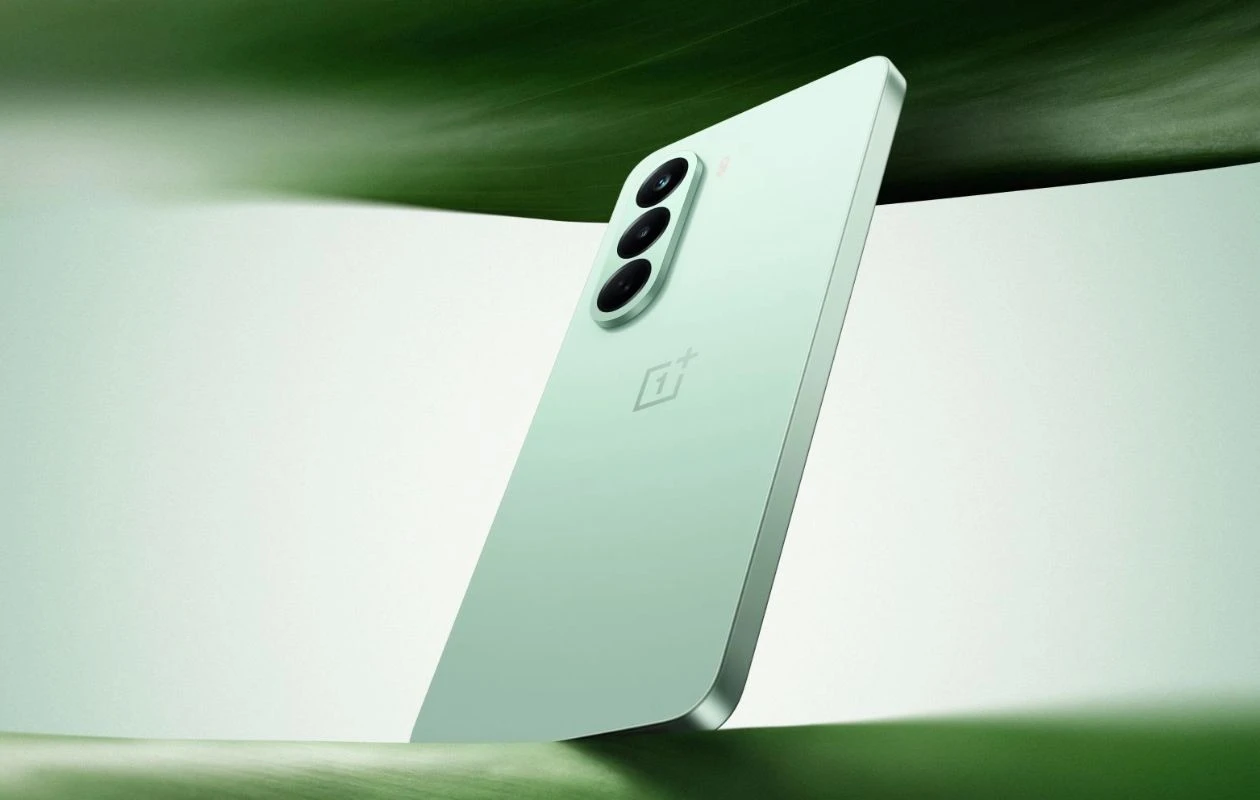
OnePlus Nord CE Lite is back in the form of the Nord CE 6 Lite. It joins as the successor of Nord CE 4 Lite from 2024. The CE Lite phones are known to offer balanced performance in the Rs. 20,000 price bracket. The phone is billing with the MediaTek Dimensity 7400 chipset, 7,000mAh battery, and a 50MP camera.
OnePlus Nord CE 6 Lite captures decent photos in daylight. However, if you want to capture better low-light shots, you need a third-party companion like Google Camera aka GCam mod. Here you can download Google Camera 9.3 for OnePlus Nord CE 6 Lite.
Google Camera for OnePlus Nord CE 6 Lite [GCam 9.3]
OnePlus Nord CE 6 Lite dawns a 50MP Omnivision OV50D40 main camera with f/1.8 aperture, PDAF, and EIS. The secondary sensor in the setup is a 2MP depth sensor. The stock camera app on the Nord CE 6 Lite is a typical fair that we’ve seen on recent OnePlus phones. The device produces bright, well-exposed photographs in daylight conditions; however, low-light performance is comparatively weaker, with a notable reduction in detail level.
There are many GCam ports compatible with the smartphone and the latest GCam 9.3 works well on the Nord CE 6 Lite. The app supports features like Night Sight mode, Astrophotography, SloMo, HDR Enhanced, RAW support, Google Lens, and more. Now let’s take a look at the steps on how to download and install the Google Camera app on Nord CE 6 Lite.
Download Google Camera for OnePlus Nord CE 6 Lite
OnePlus Nord CE 6 Lite supports Camera2 API out-of-the-box, which means you can easily install the GCam port on your device. I’ve tested several GCam ports on this smartphone. Here are the download links.
- Download Google Camera 9.3 for OnePlus Nord CE 6 Lite (MGC_9.3.160_V30_snap.apk) [New]
- Download GCam 9.2 for OnePlus Nord CE 6 Lite (MGC_9.2.113_A11_V29_MGC.apk)
- Download GCam 8.9 for Nord CE 6 Lite [GCam 8.9 – MGC_8.9.097_A11_V25_MGC.apk] (Best)

Note: Before Installing the new Gcam Mod ported app, make sure to delete the older version (if you’ve installed). This is not a stable version of Google Camera, so it may have some bugs.
There’s no need to configure anything, you can simply install the app and start using it. All above-listed GCam ports work fine on the OnePlus Nord CE 6 Lite, you can use features like Night Sight and Astrophotography on your smartphone.
Explore More:
- OnePlus Nord CE6 GCam vs Stock: Does It Make A Difference?
- Download Google Camera 9.3 for Motorola Signature
- OnePlus Nord CE6 Camera Test: Is One Main Sensor Enough?
- Download Google Camera 9.3 for Poco X8 Pro and Pro Max
- Download Google Camera 9.3 for Moto Edge 70 Pro
- Download Google Camera 9.7 for OnePlus Nord 6

