
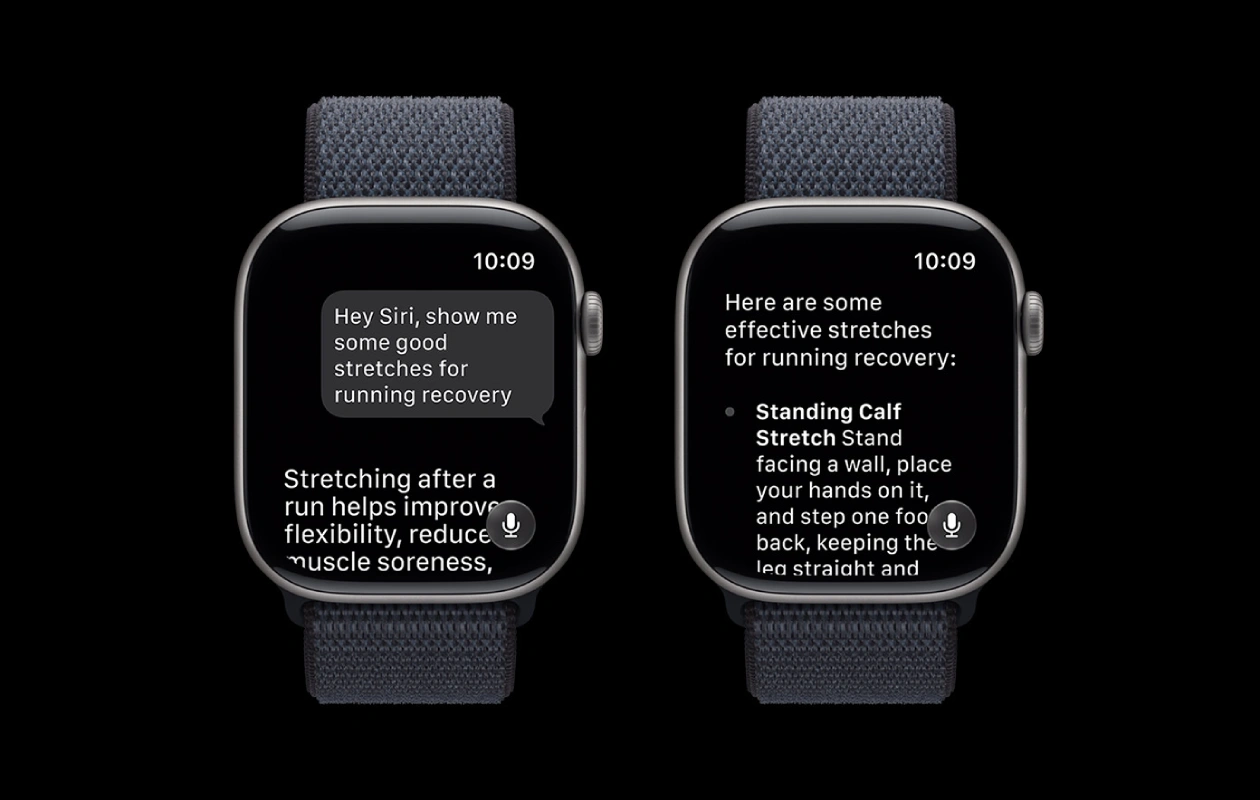
It’s that time of the year when Apple releases the very first developer beta of the upcoming software upgrade. The company has just released the developer beta of watchOS 27. Here’s how you can update your Apple Watch to watchOS 27.
Apple is seeding the first developer beta of watchOS 27 to eligible watch models with build number 24R5289n. This is a major upgrade that requires multiple GB of data for installation. In terms of compatibility, the watchOS 27 is available for Apple Watch Series 10 or newer.
The very first beta of watchOS 27 is here, which means it is not suitable for regular use. If you’re a developer or you want to try out the new features on a secondary watch (if you have two), you can freely install it on your watch. The update will be pushed to public beta testers in July.
watchOS 27 first dev beta
First things first, you need to update your iPhone to iOS 27 first dev beta. Once done, you can follow these steps to install the watchOS 27 beta on your watch.
- Open the Watch app on your iPhone.
- Tap General > Software Update.
- Select Beta Updates and enable watchOS 27 Developer Beta option.
- Go back and download the first beta of watchOS 27.
- That’s it.
Make sure that your Apple Watch is charged at least 50% and connected to a WiFi network.
Now the watchOS 27 first beta update will download and transfer to your Apple Watch.
Explore More:
- 18 Must-Have Wallpapers for iPhone and Android – YMWC 51
- iOS 27 Release Date, Expected Features, Supported Devices, and more
- WhatsApp starts testing read-once disappearing messages on iOS
- Galaxy S26 FE’s first real world image leak shows its design changes
- Samsung Galaxy S27 Pro leak reveals ultra-sized battery capacity

